
1. Úvod
This manual provides instructions for the installation, operation, and maintenance of the Emerson F145RF-1600 Wireless Remote Temperature Sensor. This sensor is designed to work with the Emerson BLUE Wireless Easy Install Universal Wireless Thermostat System to enhance temperature control and reduce hot and cold spots within your home.
Kľúčové vlastnosti:
- Reduces temperature inconsistencies in various areas.
- Supports up to four wireless remote sensors with the Emerson BLUE Wireless Easy Install Thermostat System.
- Designed for easy installation and pairing.
2. Bezpečnostné informácie
Please read and understand all instructions before installing or operating this device. Failure to follow these instructions could result in property damage or personal injury.
- Always turn off power to the thermostat system before performing any installation or maintenance.
- Do not expose the sensor to extreme temperatures, direct sunlight, or moisture.
- Používajte iba určený typ batérií (2 batérie typu AA).
- Staré batérie zlikvidujte zodpovedne v súlade s miestnymi predpismi.
- Uchovávajte mimo dosahu detí.
Upozornenie podľa návrhu 65: Tento výrobok môže obsahovať chemikálie, o ktorých je v štáte Kalifornia známe, že spôsobujú rakovinu a vrodené chyby alebo iné reprodukčné poškodenie.
3. Produkt skončilview
The Emerson F145RF-1600 is a compact, battery-powered wireless sensor designed to monitor ambient temperature. It communicates wirelessly with a compatible Emerson BLUE thermostat system.
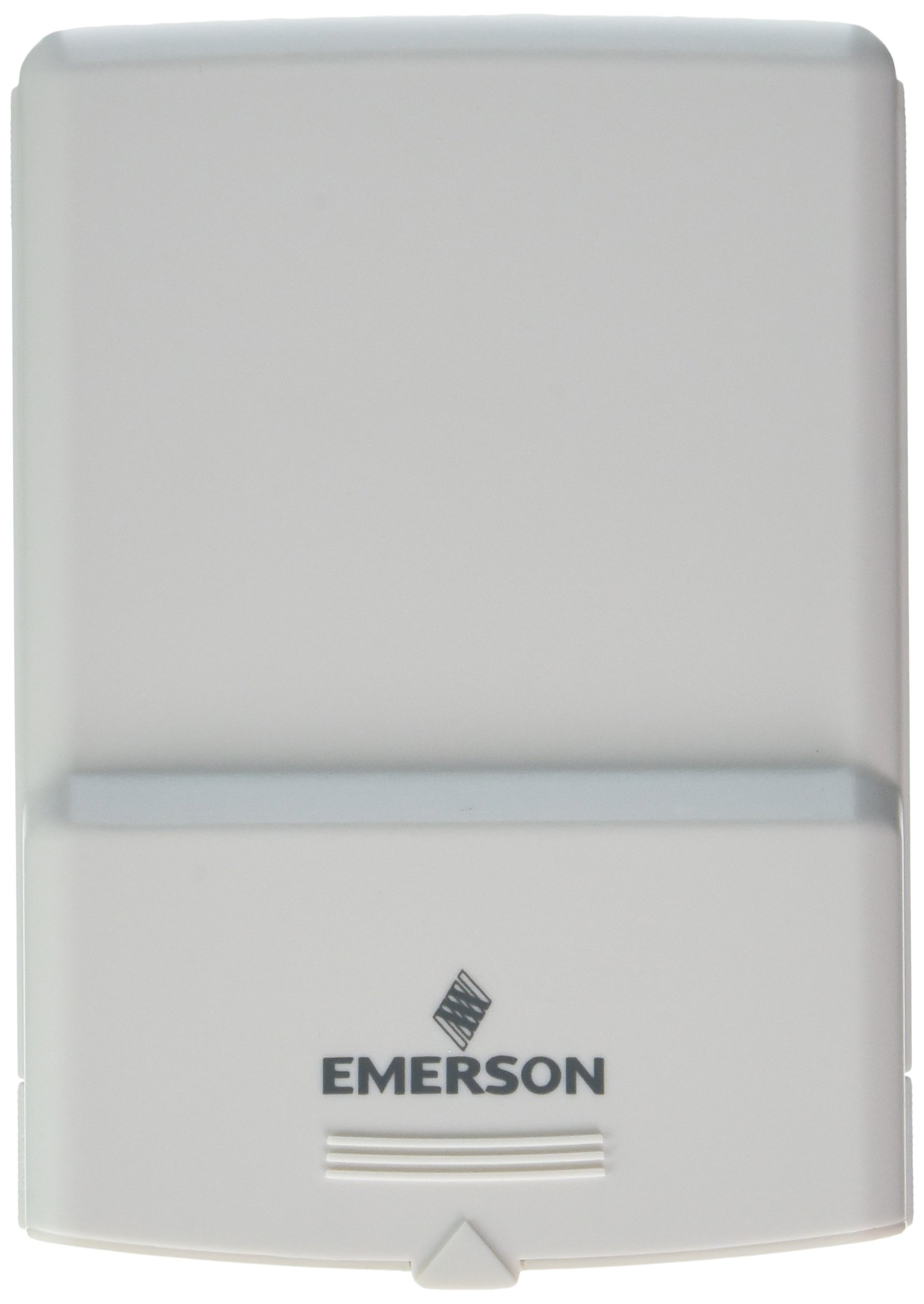
Obrázok 1: Emerson F145RF-1600 Wireless Remote Temperature Sensor. The image displays the sensor in a hand, indicating its approximate height of 4.8 inches (12 cm). The sensor is light-colored, likely white or light grey, with the 'EMERSON' logo visible at the bottom front.
4. Nastavenie
4.1. Inštalácia batérie
- Nájdite priehradku na batérie na zadnej strane senzora.
- Otvorte kryt priehradky na batérie.
- Vložte dve (2) alkalické batérie typu AA a dbajte na správnu polaritu (+/-).
- Bezpečne zatvorte kryt priestoru pre batérie.
4.2. Pairing with Thermostat System
Refer to your Emerson BLUE Wireless Easy Install Universal Wireless Thermostat System manual for detailed pairing instructions. Generally, the process involves:
- Placing the thermostat system into pairing mode.
- Activating the sensor's pairing function (often a button press or battery insertion).
- Confirming successful pairing on the thermostat display.
Up to four F145RF-1600 sensors can be paired with a single Emerson BLUE Wireless Easy Install system.
4.3. Umiestnenie snímača
Proper placement is crucial for accurate temperature readings and effective system operation.
- Umiestnenie v interiéri:
- Place the sensor in a central location within the area you wish to monitor.
- Avoid placing near heat sources (lamps, appliances, direct sunlight) or cold drafts (windows, vents).
- Ensure it is not obstructed by furniture or curtains.
- Outdoor Placement (if applicable):
- Mount the sensor in a shaded area, away from direct sunlight, which can cause inaccurate readings.
- Protect it from direct rain and snow.
- Ensure it is easily accessible for battery replacement.
5. Návod na obsluhu
Once successfully paired and placed, the F145RF-1600 sensor will automatically transmit temperature data to your Emerson BLUE Wireless Easy Install Thermostat System. The thermostat system will then use this data to optimize heating and cooling, helping to maintain a more consistent temperature throughout your home.
- The sensor operates continuously, sending updates to the main thermostat.
- The thermostat system will display the temperature readings from the remote sensors and use them for its control logic.
- No direct user interaction is typically required with the sensor after setup, other than battery replacement.
6. Údržba
6.1. Výmena batérie
The sensor requires two (2) AA batteries. When batteries are low, your Emerson BLUE thermostat system may indicate a low battery warning for the sensor. Replace batteries promptly to ensure continuous operation.
- Otvorte priehradku na batérie.
- Vyberte staré batérie.
- Vložte nové batérie typu AA a dbajte na polaritu.
- Zatvorte priehradku.
6.2. Upratovanie
Wipe the sensor's exterior with a soft, dry cloth as needed. Do not use liquid cleaners or abrasive materials, as these can damage the device.
7. Riešenie problémov
| Problém | Možná príčina | Riešenie |
|---|---|---|
| Sensor not reporting temperature / No signal |
|
|
| Nepresné údaje o teplote |
|
|
8. Špecifikácie
| Číslo modelu | F145RF-1600 |
| Výrobca | White-Rodgers (Emerson) |
| Zdroj napájania | Na batérie |
| Vyžadujú sa batérie | 2 AA batérie |
| Hmotnosť položky | 3.2 uncí |
| Rozmery produktu | 3.5 x 2.5 x 5.25 palca |
| Materiál | Plastové |
| Farba | Modrá (Note: Product image shows light grey/white) |
| Položka Množstvo v balení | 1 |
9. Informácie o záruke
Specific warranty details for the Emerson F145RF-1600 Wireless Remote Temperature Sensor are typically provided with the product packaging or can be found on the official Emerson/White-Rodgers webstránky. Uschovajte si doklad o kúpe pre prípad reklamácie.
Podrobné záručné podmienky nájdete na Emerson official webstránky alebo kontaktujte zákaznícku podporu.
10. Podpora
If you encounter issues not covered in this manual or require further assistance, please contact Emerson customer support.
- Online podpora: Navštívte Emerson Support Page for FAQs, documentation, and contact options.
- Telefonická podpora: Refer to your product packaging or the Emerson webstránka s najaktuálnejšími telefónnymi číslami zákazníckeho servisu.