
Úvod
This manual provides essential information for the safe and efficient use of your Sony MXD-D2 MD Recorder/CD Player integrated deck. Please read these instructions thoroughly before operating the unit and retain them for future reference.
Bezpečnostné informácie
Dodržiavajte nasledujúce bezpečnostné opatrenia, aby ste predišli úrazu elektrickým prúdom, požiaru alebo poškodeniu zariadenia:
- Zdroj napájania: Zariadenie pripájajte iba k zdroju striedavého napätia 100 V, 50/60 Hz.
- Vetranie: Ensure adequate ventilation by not blocking the ventilation openings. Do not place the unit on soft surfaces that may block these openings.
- vlhkosť: Nevystavujte jednotku dažďu ani vlhkosti. Neumiestňujte na jednotku predmety naplnené tekutinami, ako napríklad vázy.
- Cudzie predmety: Do not insert any metallic objects or liquids into the unit.
- servis: Nepokúšajte sa o servis zariadenia sami. Všetok servis zverte kvalifikovanému personálu.
Nastavenie
Rozbalenie a umiestnenie
Carefully remove the unit from its packaging. Place the unit on a stable, level surface, ensuring sufficient space around it for proper ventilation.
Pripojenia zadného panela
The rear panel of the MXD-D2 provides various input and output terminals for connecting to other audio components. Refer to the image below for a visual guide to the connections.
Obrázok: Rear panel of the Sony MXD-D2 unit. This view displays the analog RCA input/output, digital coaxial input, optical input/output, and Control 1 port, along with the power cord connection and product information label.
- Analógové audio pripojenia: Use RCA cables to connect the ANALOGOVÝ VSTUP (入力) to the audio output of an external device (e.g., a tape deck or tuner). Connect the ANALOGOVÝ VÝSTUP (出力) to the audio input of your amplifier or receiver. Ensure left (左) and right (右) channels are matched.
- Digitálne audio pripojenia:
- Coaxial Digital Input (コアキシャル 入力): Connect a coaxial digital cable from the digital output of an external device.
- Optical Digital Input (オプチカル 入力): Connect an optical digital cable from the digital output of an external device.
- Optical Digital Output (オプチカル 出力): Connect an optical digital cable to the digital input of an external recording device or ampdoživotné.
- Control 1 (コントロール 1): This port is for connecting to other compatible Sony components for synchronized operation. Refer to the manuals of connected components for specific instructions.
- Napájanie: After all audio connections are made, plug the power cord into an AC 100V wall outlet.
Návod na obsluhu
Zapnutie/vypnutie
Stlačte tlačidlo POWER tlačidlo na prednom paneli na zapnutie alebo vypnutie zariadenia.
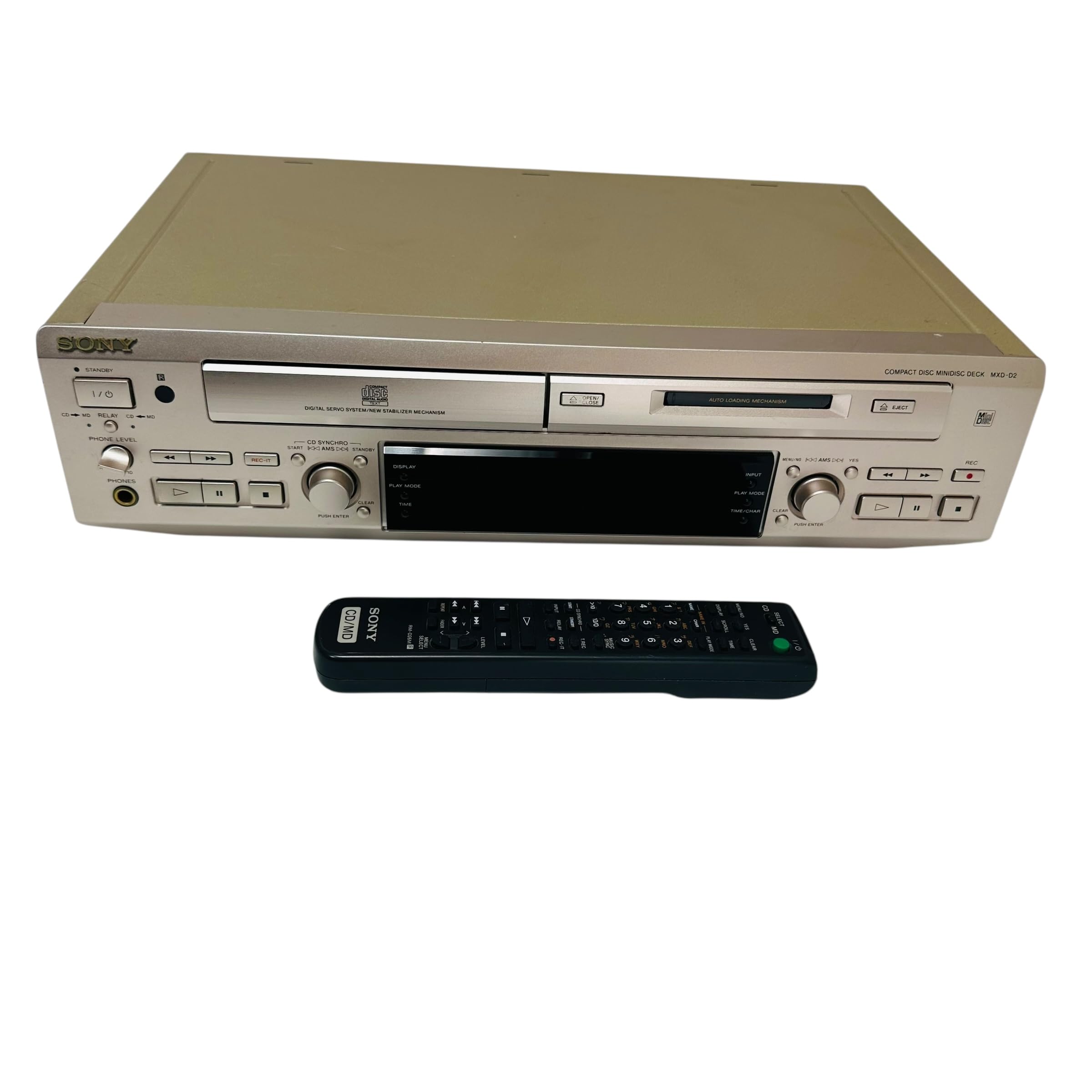
Prehrávanie CD
- Stlačte tlačidlo OTVORIŤ/ZATVORIŤ CD tlačidlo na otvorenie zásuvky na CD.
- Place a CD with the label side up in the tray.
- Stlačte tlačidlo OTVORIŤ/ZATVORIŤ CD znovu zatvorte zásobník.
- Stlačte tlačidlo PREHRÁVANIE CD tlačidlo na spustenie prehrávania.
- Použite PAUZA, STOP, PRESKOČIŤ (►►| / |◄◄), and HĽADAŤ tlačidlá na ovládanie prehrávania.
MD Playback
- Insert a MiniDisc into the MD slot with the arrow pointing inwards.
- Stlačte tlačidlo MD PLAY tlačidlo na spustenie prehrávania.
- Použite PAUZA, STOP, PRESKOČIŤ (►►| / |◄◄), and HĽADAŤ tlačidlá na ovládanie prehrávania.
Nahrávanie MD
The MXD-D2 allows recording from CD, analog, or digital sources to a MiniDisc.
- Insert a blank or erasable MiniDisc into the MD slot.
- Select the desired input source (CD, ANALOG, DIGITAL COAXIAL, or DIGITAL OPTICAL) using the VOLIČ VSTUPOV tlačidlo.
- For CD-to-MD recording, load the CD and select CD as the input source.
- Stlačte tlačidlo MD REC tlačidlo prepnite do pohotovostného režimu nahrávania.
- Start playback on the source device (if external) or press PREHRÁVANIE CD (for CD-to-MD recording).
- Stlačte tlačidlo MD REC znova na spustenie nahrávania.
- Stlačte tlačidlo MD STOP ukončiť nahrávanie.
- Track Marking: The unit can automatically mark tracks during digital recording. For manual marking, press the MARK button during recording.
Údržba
Čistenie jednotky
Vonkajší povrch jednotky utrite mäkkou, suchou handričkou. Na odolné škvrny použite handričku jemne navlhčenúampjemným roztokom čistiaceho prostriedku a potom utrite dosucha. Nepoužívajte abrazívne podložky, drôtenky ani rozpúšťadlá, ako je alkohol alebo benzén.
Starostlivosť o disky
- Disky držte za okraje, aby ste na nahrávacom povrchu nezanechali odtlačky prstov.
- Keep discs in their cases when not in use to protect them from dust and scratches.
- Nevystavujte disky priamemu slnečnému žiareniu alebo zdrojom tepla.
Riešenie problémov
If you experience problems with your unit, consult the following table before seeking professional service.
| Problém | Možná príčina | Riešenie |
|---|---|---|
| Žiadna sila | Napájací kábel nie je bezpečne pripojený. | Check that the power cord is firmly plugged into the unit and the wall outlet. |
| Žiadny zvuk | Incorrect input selected; audio cables not connected properly; amppríliš nízky objem plniča. | Select the correct input source. Check all audio cable connections. Increase the volume on your ampdoživotné. |
| CD/MD does not play or record | Disc inserted incorrectly; disc is dirty or scratched; disc is unrecordable (for MD). | Ensure the disc is inserted correctly. Clean the disc with a soft cloth. Use a recordable MD. |
| Recording level is too low/high | Source device output level is incorrect. | Adjust the output level on the source device or the recording level on the MXD-D2 if available. |
Špecifikácie
| Funkcia | Detail |
|---|---|
| Číslo modelu | MXD-D2 |
| Značka | Sony |
| Požiadavky na napájanie | AC 100V, 16W, 50/60Hz |
| formáty médií | Compact Disc (CD), MiniDisc (MD) |
| Analógové vstupy | RCA (Left/Right) |
| Analógové výstupy | RCA (Left/Right) |
| Digitálne vstupy | Coaxial (1), Optical (1) |
| Digitálne výstupy | Optické (1) |
| Riadiaci port | Ovládanie 1 |
| Kompatibilné zariadenia | Speakers, Headphones |
| Sériové číslo | 213013 (Example) |
| Krajina pôvodu | Vyrobené v Japonsku |
Záruka a podpora
For warranty information and technical support, please refer to the warranty card included with your product or visit the official Sony webstránku pre váš región. Uschovajte si doklad o kúpe ako dôkaz o kúpe.


