
Úvod
This manual provides essential instructions for the proper installation, operation, and maintenance of your Samsung BN07-01044A LCD-Panel. Please read this manual thoroughly before attempting to install or use the product to ensure safe and efficient operation. Keep this manual for future reference.
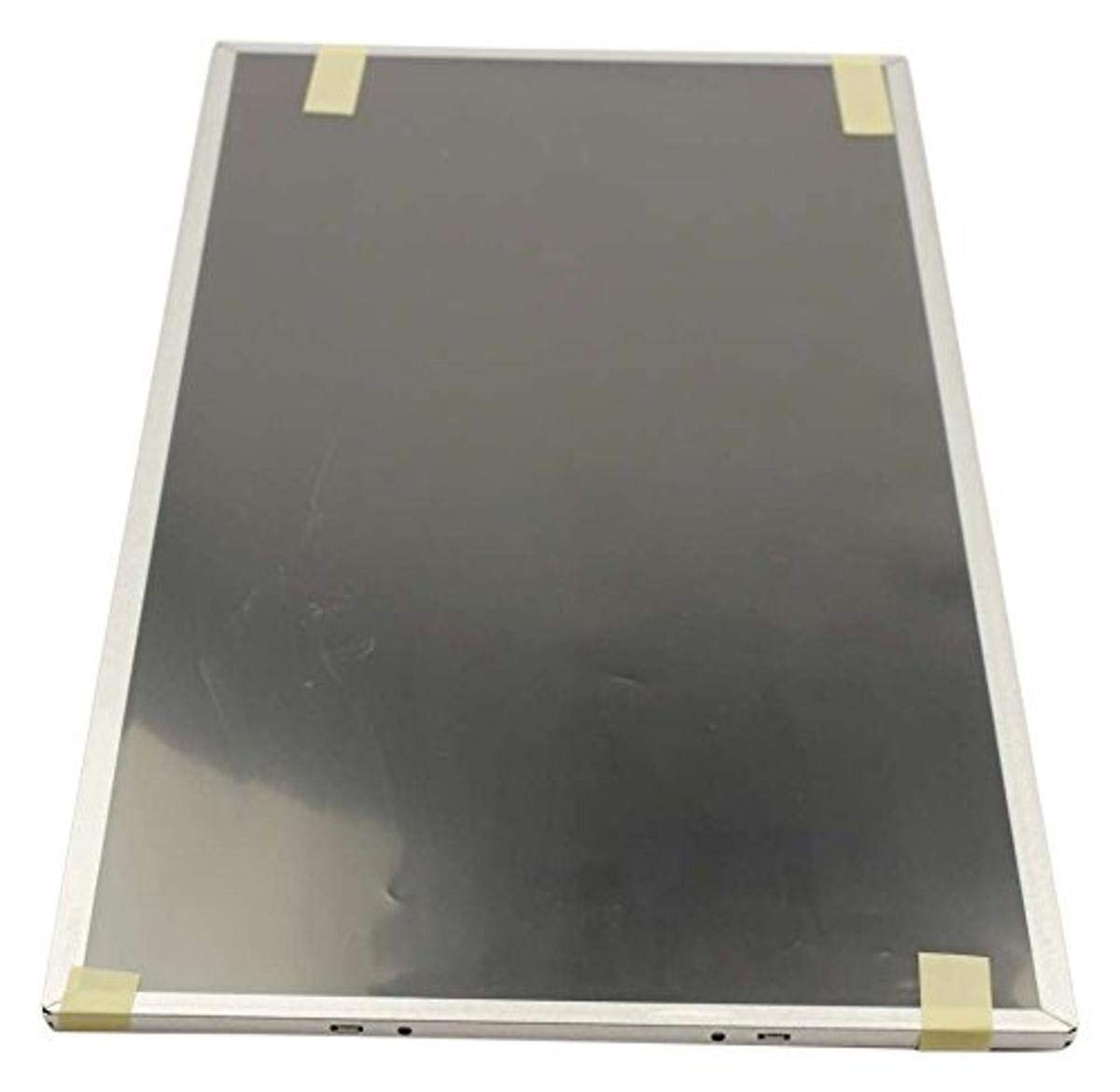
Figure 1: Samsung BN07-01044A LCD-Panel. This image displays the Samsung BN07-01044A LCD-Panel, showing its general form factor and connectors.
Bezpečnostné informácie
Vždy dodržiavajte nasledujúce bezpečnostné opatrenia, aby ste predišli poškodeniu produktu alebo zraneniu seba:
- Disconnect power from the device before installation or removal of the LCD panel.
- Handle the LCD panel with care. Avoid touching the screen surface directly.
- Wear anti-static gloves to prevent electrostatic discharge (ESD) damage.
- Pred obnovením napájania sa uistite, že sú všetky pripojenia bezpečné.
- Nevystavujte panel vlhkosti ani extrémnym teplotám.
- Ak si nie ste istí niektorým krokom, poraďte sa s kvalifikovaným technikom.
Obsah balenia
Skontrolujte, či váš balík obsahuje nasledujúce položky:
- 1 x Samsung BN07-01044A LCD-Panel
- (Additional components, if any, will be listed on the product packaging.)
Nastavenie a inštalácia
This LCD panel is an OEM authorized replacement part. Installation typically involves replacing an existing panel within a compatible Samsung device. The following steps are general guidelines; refer to your specific device's service manual for detailed instructions.
- Príprava: Power off the device completely and disconnect it from all power sources. Remove the battery if applicable.
- demontáž: Carefully disassemble the device to access the existing LCD panel. This may involve removing bezels, hinges, and screws.
- Odpojenie starého panela: Gently disconnect the video cable (e.g., LVDS or eDP) and any backlight cables from the old panel. Note their orientation.
- Odstránenie starého panelu: Remove the old LCD panel from its housing.
- Inštalácia nového panela: Position the new Samsung BN07-01044A LCD-Panel into the housing. Ensure it fits securely.
- Pripojovacie káble: Reconnect the video cable and backlight cables to the new panel. Ensure connections are firm and correctly oriented.
- Opätovná montáž: Carefully reassemble the device, ensuring no cables are pinched and all screws are tightened appropriately.
- Počiatočný test: Before fully closing the device, connect power and briefly test the display to ensure it functions correctly.
Poznámka: Professional installation is recommended for this component to avoid damage to the panel or the host device.
Obsluha LCD panela
Once installed, the Samsung BN07-01044A LCD-Panel operates as the primary display for your compatible device. Its functionality is managed by the device's operating system and graphics hardware.
- Zapnutie: Turn on your device as usual. The LCD panel should display the boot sequence and operating system interface.
- Nastavenia displeja: Adjust display settings (e.g., resolution, brightness, contrast) through your device's operating system display preferences. Ensure the native resolution of the panel is selected for optimal clarity.
- Ovládače grafickej karty: Ensure your device has the latest graphics drivers installed for proper display performance.
Údržba a starostlivosť
Proper care will extend the lifespan and maintain the performance of your LCD panel.
- Čistenie obrazovky: Použite mäkkú handričku, ktorá nepúšťa vlákna a je špeciálne určená pre elektroniku. Ľahkoampen the cloth with water or a screen-cleaning solution (avoid ammonia-based cleaners). Gently wipe the screen in one direction.
- Vyhnite sa tlaku: Do not press firmly on the screen, as this can damage the LCD matrix.
- Podmienky prostredia: Keep the device and panel away from direct sunlight, excessive heat, cold, or humidity.
- Prach: Regularly dust the screen and surrounding areas with a soft brush or compressed air.
Riešenie problémov
If you encounter issues with your LCD panel, refer to the following common problems and solutions:
| Problém | Možná príčina | Riešenie |
|---|---|---|
| Žiadny displej/Čierna obrazovka | Loose video cable, incorrect installation, faulty panel. |
|
| Blikajúci alebo skreslený obraz | Loose cable, incompatible drivers, panel defect. |
|
| Incorrect colors or brightness | Display settings, graphics driver issues. |
|
If these steps do not resolve the issue, contact Samsung customer support or a qualified service technician.
Špecifikácie
| Funkcia | Detail |
|---|---|
| Výrobca | Samsung |
| Číslo dielu | BN07-01044A |
| Číslo modelu položky | BN07-01044A |
| Rozmery produktu | 21 x 15 x 3 palca |
| Hmotnosť položky | 5.71 libry |
| Položka Množstvo v balení | 1 |
| Zahrnuté komponenty | appliance-replacement-parts |
| ASIN | B01GSLDALU |
| Dátum prvej dostupnosti | 8. júna 2016 |
Záruka a podpora
As an OEM authorized part, this Samsung BN07-01044A LCD-Panel is typically covered by the warranty terms provided by Samsung for their replacement parts. Please refer to the official Samsung website or contact Samsung customer service for detailed warranty information specific to replacement components.
V prípade technickej podpory alebo servisných otázok navštívte oficiálnu stránku Podpora Samsung webstránky alebo kontaktujte priamo ich oddelenie služieb zákazníkom.