
Cecotec 05050
Conga Excellence 990 Robot Vacuum Cleaner User Manual
Model: 05050 | Značka: Cecotec
1. Produkt skončilview
The Cecotec Conga Excellence 990 is a versatile 4-in-1 robot vacuum cleaner designed to sweep, vacuum, mop, and wipe floors. It features intelligent navigation, programmable cleaning schedules, and multiple cleaning settings to ensure thorough cleaning of your home.

Obrázok 1.1: Hore view of the Conga Excellence 990 Robot Vacuum Cleaner, showcasing its sleek gray design and central power button.
2. Bezpečnostné pokyny
Pred použitím spotrebiča si pozorne prečítajte všetky bezpečnostné pokyny. Uschovajte si tento návod pre budúce použitie.
- Do not use the robot vacuum cleaner on wet surfaces or to clean up liquids.
- Ensure all loose cables, rugs, and small objects are cleared from the floor before operation to prevent entanglement.
- Počas prevádzky držte deti a domáce zvieratá mimo dosahu robota.
- Nepoužívajte robota, ak je poškodený alebo nefunguje správne. Kontaktujte zákaznícku podporu.
- Use only the original charging station and power adapter provided with the device.
- Do not block the robot's air vents or exhaust.
- The robot is equipped with anti-drop sensors. However, exercise caution near stairs or elevated surfaces.
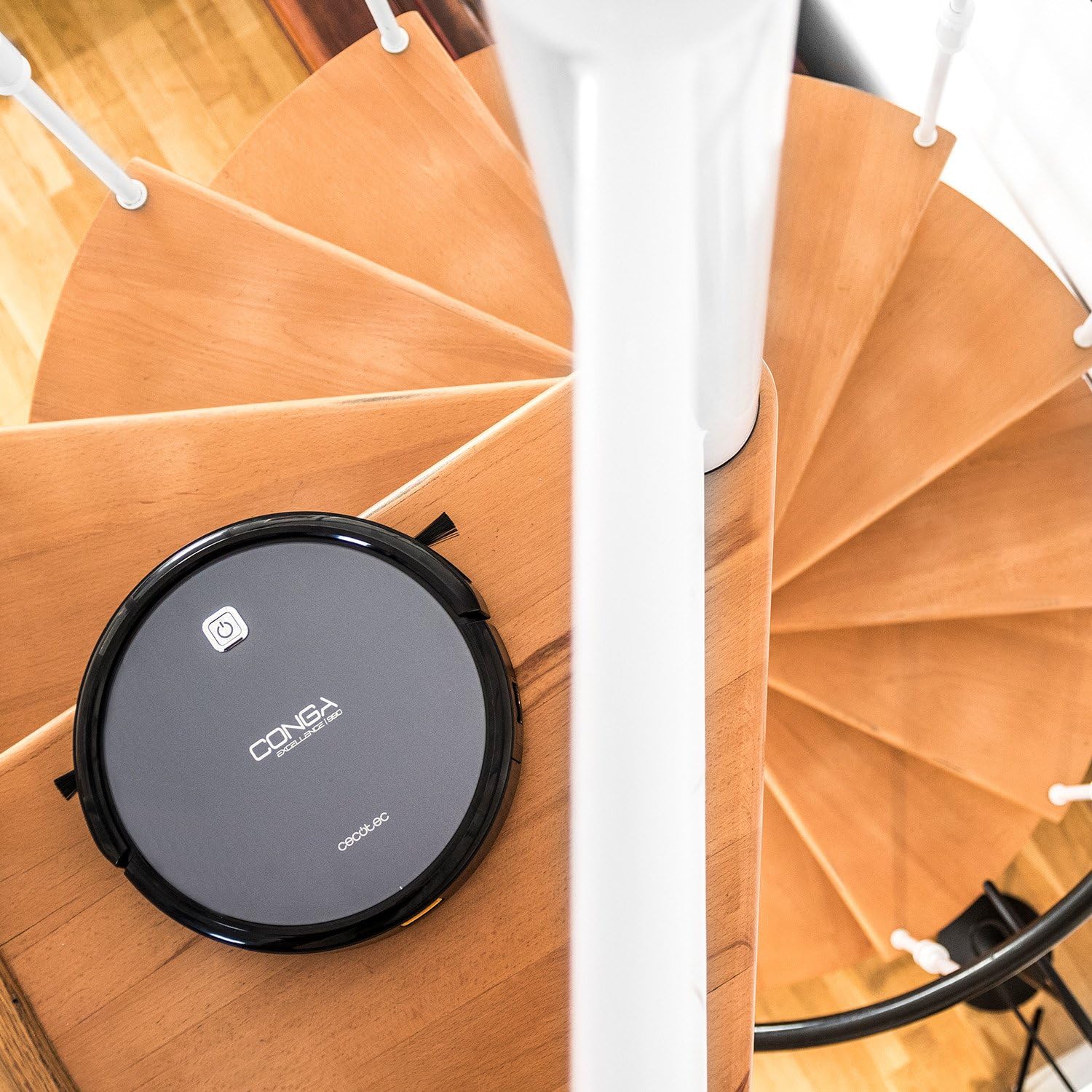
Figure 2.1: The robot vacuum positioned near a spiral staircase, demonstrating its ability to navigate edges while highlighting the importance of anti-drop sensor functionality.
3. Vlastnosti
The Conga Excellence 990 offers a range of features for efficient home cleaning:
- Funkčnosť 4 v 1: Sweeps, vacuums, mops, and wipes simultaneously.
- Inteligentná navigácia: Calculates optimal routes for comprehensive cleaning, stopping at surface boundaries.
- Programovateľné: Schedule cleaning for up to 24 hours a day.
- 5 Cleaning Settings: Adaptable modes for various cleaning needs.
- HEPA filter: Zachytáva alergény a jemné prachové častice.
- Tichá prevádzka: Navrhnuté pre minimálny hluk počas používania.
- Výkonné sanie: Ensures effective dirt and debris removal.
- Automatické nabíjanie: Returns to the charging station when battery is low.

Figure 3.1: The robot vacuum demonstrating its cleaning capability by approaching spilled nuts and dried fruit on a carpet, highlighting its powerful suction.
4. Nastavenie
4.1 Rozbalenie
Opatrne vyberte všetky komponenty z obalu. Uistite sa, že sú prítomné všetky diely uvedené v dodacom liste.
4.2 Umiestnenie nabíjacej stanice
Place the charging station against a wall in an open, uncluttered area. Ensure there is at least 1 meter (3 feet) of clear space on either side and 2 meters (6 feet) in front of the station. Plug the power adapter into the charging station and then into a wall outlet.
4.3 Počiatočné nabíjanie
Place the robot onto the charging station, ensuring the charging contacts align. The robot will begin charging automatically. For first use, charge the robot for at least 4-5 hours until fully charged.

Figure 4.1: The robot vacuum automatically navigating back to its charging station, indicated by a white path on the floor.
5. Obsluha robotického vysávača
5.1 Spustenie čistiaceho cyklu
Press the power button on the robot or the "Clean" button on the remote control to start a cleaning cycle. The robot will automatically select a cleaning mode based on its intelligent navigation.
5.2 Používanie diaľkového ovládača
The remote control allows you to manually control the robot, select cleaning modes, set schedules, and send the robot back to its charging station.

Figure 5.1: A hand holding the remote control for the robot vacuum, showing its various buttons for control and programming.
5.3 Programming Cleaning Schedules
Refer to the remote control section in the full manual for detailed instructions on setting daily or weekly cleaning schedules. The robot can be programmed to clean at specific times, even when you are not home.

Figure 5.2: The robot vacuum cleaning a living room carpet, demonstrating its quiet operation as two dogs and a person relax nearby.

Figure 5.3: The robot vacuum cleaning a carpet, with a visual representation of its intelligent cleaning path, ensuring thorough coverage.
6. Režimy čistenia
The Conga Excellence 990 offers 5 distinct cleaning settings to suit various needs:
- Automatický režim: Robot inteligentne naviguje a čistí celú prístupnú oblasť.
- Režim okraja: Robot čistí pozdĺž stien a okrajov nábytku.
- Bodový režim: For concentrated cleaning of a specific dirty area. The robot cleans in a spiral pattern.
- Single Room Mode: Cleans a single room thoroughly before stopping.
- Maximálny režim: Increases suction power for deeper cleaning on carpets or heavily soiled areas.
6.1 Mopping and Wiping Function
To use the mopping function, attach the microfiber mop cushion to the water tank and fill the tank with clean water. The robot will spray and wipe the floor as it cleans. This function is ideal for hard floors.
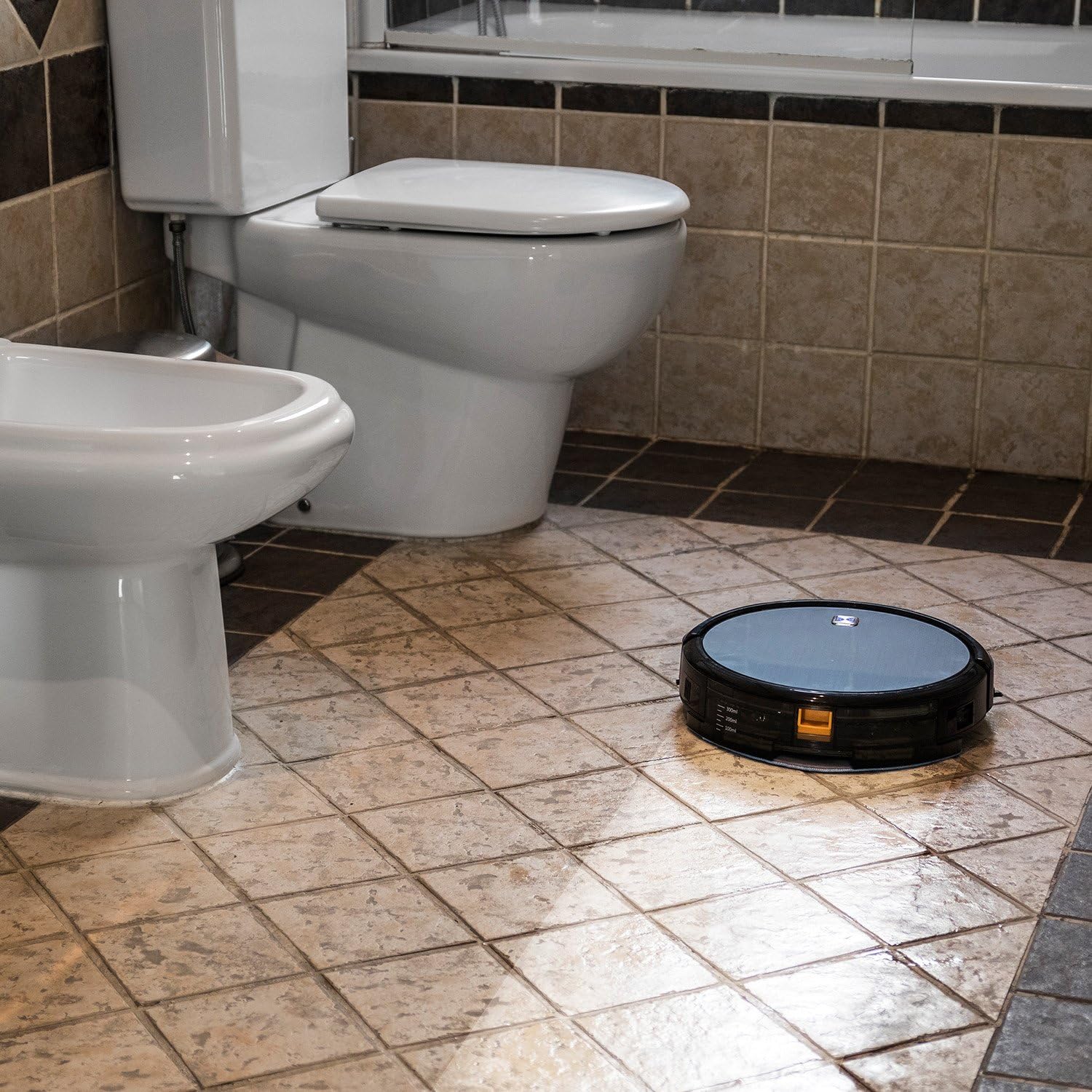
Figure 6.1: The robot vacuum mopping a tiled bathroom floor, demonstrating its wet cleaning capability.
7. Údržba
Pravidelná údržba zaisťuje optimálny výkon a predlžuje životnosť vášho robotického vysávača.
7.1 Vyprázdnenie nádoby na prach
The dustbin should be emptied after each cleaning cycle or when full. Press the release button to remove the dustbin, open it, and discard the collected debris.
7.2 Čistenie filtrov
The HEPA filter and primary filter should be cleaned regularly. Tap the HEPA filter to remove dust; do not wash it with water. The primary filter can be rinsed with water and air-dried completely before reinstallation.
7.3 čistiace kefy
Periodically remove and clean the main brush and side brushes. Use the cleaning tool provided to cut and remove any hair or debris tangled around the brushes.
7.4 Čistenie senzorov a nabíjacích kontaktov
Wipe the anti-drop sensors, wall sensors, and charging contacts on both the robot and the charging station with a clean, dry cloth to ensure proper function.
8. Riešenie problémov
If your Conga Excellence 990 encounters an issue, refer to the following common problems and solutions:
| Problém | Možná príčina | Riešenie |
|---|---|---|
| Robot sa nezapne. | Slabá batéria; vypínač vypnutý. | Charge the robot; ensure power switch is on. |
| Robot sa nenabíja. | Charging contacts dirty; charging station not powered. | Clean charging contacts; check power connection to station. |
| Robot sa často zasekáva. | Obstacles (cables, rugs); uneven surfaces. | Clear obstacles; use virtual wall if available. |
| Slabý čistiaci výkon. | Full dustbin; dirty filters/brushes. | Empty dustbin; clean/replace filters and brushes. |
| Robot sa nevracia do nabíjacej stanice. | Charging station blocked; robot too far. | Ensure clear path to station; manually place robot closer. |
9. Špecifikácie
| Funkcia | Detail |
|---|---|
| Značka | Cecotec |
| Názov modelu | Conga Excellence 990 |
| Číslo modelu | 05050 |
| Rozmery produktu | 9.06 cm D x 5.43 cm Š x 11.81 cm V |
| Hmotnosť položky | 3.52 libry |
| Farba | Šedá |
| Typ filtra | HEPA filter |
| Životnosť batérie | 1.5 hodín |
| Kapacita (zberný kôš) | 3 litra |
| Metóda kontroly | Diaľkové ovládanie |
| Zahrnuté komponenty | Battery, Remote Control, mop cushion |
10. Záruka a podpora
The Cecotec Conga Excellence 990 comes with a standard manufacturer's warranty. Please refer to the warranty card included in your product packaging for specific terms and conditions.
V prípade potreby technickej podpory, náhradných dielov alebo reklamácií kontaktujte zákaznícky servis spoločnosti Cecotec prostredníctvom ich oficiálneho webstránku alebo kontaktné informácie uvedené v dokumentácii k produktu. Uschovajte si doklad o kúpe ako doklad o kúpe.
Dostupnosť náhradných dielov v EÚ: 10 rokov.
Ask a question about this manual
Ask about setup, troubleshooting, compatibility, parts, safety, or missing instructions. Manuals+ will review the question and use this page’s manual context to help answer it.