
Úvod
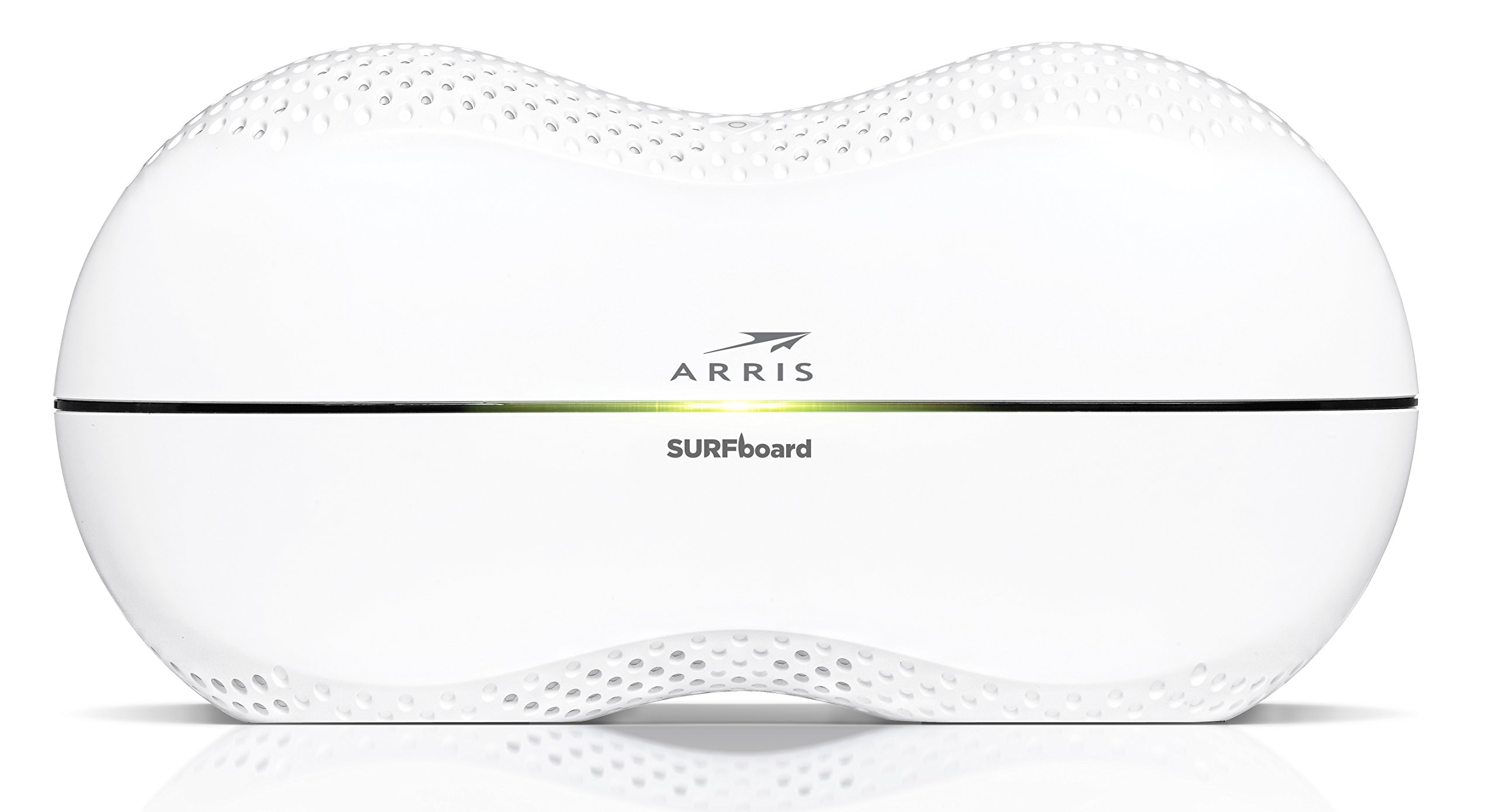
This manual provides detailed instructions for the setup, operation, maintenance, and troubleshooting of your ARRIS SURFboard SBR-AC3200P AC3200 Wi-Fi Router. The SBR-AC3200P is designed to deliver high-speed Wi-Fi performance for various home networking needs, including gaming, streaming, and general internet use. It features tri-band concurrent operation and integrated RipCurrent G.hn Powerline technology for extended network coverage.
Obsah balenia
- SURFboard WiFi Router SBR-AC3200P
- Ethernetový kábel
- AC napájací kábel
- Sprievodca rýchlym spustením
Nastavenie
1. Fyzické pripojenia
Before powering on your router, ensure all necessary cables are connected securely. Refer to the diagram below for port identification.
Obrázok: Zadná strana view of the ARRIS SURFboard SBR-AC3200P AC3200 Wi-Fi Router. From left to right, the ports include the Power input, two USB ports (one USB 2.0, one USB 3.0), a blue WAN port for connecting to a modem, four yellow LAN ports (1-4) for wired devices, and a small recessed Reset button.
- Pripojenie k modemu: Connect one end of the provided Ethernet cable to the WAN port (blue) on the back of the SBR-AC3200P router and the other end to your cable/DSL/fiber modem.
- Pripojenie napájania: Plug the AC power cord into the Power input on the router and then into an electrical outlet. The router will begin its startup sequence.
- Zapnutie: Wait for the router's indicator lights to stabilize. Refer to the Operating section for LED indicator meanings.
2. Počiatočná konfigurácia
Router môžete nakonfigurovať pomocou web browser or the dedicated mobile application.
- Pomocou a Web Prehliadač:
- Connect a computer to one of the router's LAN ports (yellow) using an Ethernet cable, or connect wirelessly to the default Wi-Fi network (SSID and password typically found on a label on the router).
- Otvorte a web prehliadač a zadajte predvolenú IP adresu smerovača (napr.
192.168.0.1or192.168.1.1) into the address bar. Consult the Quick Start Guide for the exact IP address and default login credentials. - Follow the on-screen instructions to set up your internet connection and customize your Wi-Fi network name (SSID) and password.
- Používanie mobilnej aplikácie: Download the ARRIS SURFboard Manager app from your device's app store. Follow the in-app instructions to set up and manage your router.
Prevádzkové
LED indikátory
The front panel of the SBR-AC3200P features several LED indicators that provide status information:
- LED napájania: Označuje stav napájania zariadenia.
- Internet LED: Zobrazuje stav internetového pripojenia.
- LED diódy Wi-Fi (2.4 GHz a 5 GHz): Indicate the activity of the wireless networks.
- RipCurrent LED: Displays the status of the G.hn Powerline network.
Refer to the Quick Start Guide for specific color and blinking patterns and their meanings.
Pripojovacie zariadenia
- Bezdrôtové zariadenia: Hľadať your customized Wi-Fi network name (SSID) on your device and enter the password you created during setup.
- Káblové zariadenia: Connect devices such as computers, gaming consoles, or smart TVs to the LAN ports (yellow) on the back of the router using Ethernet cables.
RipCurrent G.hn Technology
The SBR-AC3200P integrates RipCurrent G.hn Powerline technology, allowing you to expand your network coverage using your home's existing electrical wiring. This feature enables compatible SURFboard RipCurrent Wi-Fi Hotspots and network extenders (sold separately) to connect to your network through any electrical outlet, providing seamless Wi-Fi extension throughout your home.
Údržba
- Aktualizácie firmvéru: Periodically check the ARRIS support website for firmware updates. Keeping your router's firmware up-to-date ensures optimal performance, security, and access to new features. Firmware updates are typically performed through the router's web interface or the mobile app.
- Čistenie: Keep the router in a clean, dust-free environment. Use a soft, dry cloth to clean the exterior. Do not use liquid cleaners or abrasive materials. Ensure ventilation openings are not blocked.
- Resetovanie smerovača: If you experience persistent issues, you may need to reset the router. A soft reset (power cycle) can often resolve minor problems. For a factory reset, locate the recessed Reset button on the back of the router. Use a paperclip or similar pointed object to press and hold the button for approximately 10-15 seconds until the LEDs indicate a reset. POZOR: A factory reset will erase all custom settings, including your Wi-Fi name and password, reverting the router to its default factory settings.
Riešenie problémov
- Žiadne internetové pripojenie:
- Overte, či váš modem funguje správne a má aktívne internetové pripojenie.
- Skontrolujte všetky pripojenia ethernetového kábla medzi modemom a portom WAN smerovača.
- Restart both your modem and router by unplugging them from power for 30 seconds and then plugging them back in, starting with the modem.
- Pomalé rýchlosti Wi-Fi alebo výpadky pripojenia:
- Uistite sa, že smerovač je umiestnený v centrálnej polohe, mimo prekážok a zdrojov rušenia (napr. mikrovlnné rúry, bezdrôtové telefóny).
- Skontrolujte aktualizácie firmvéru.
- Consider using RipCurrent extenders to improve coverage in dead zones.
- Ak problémy pretrvávajú aj po vykonaní iných krokov na riešenie problémov, vykonajte obnovenie továrenských nastavení.
- Nedá sa získať prístup k nastaveniam smerovača:
- Uistite sa, že vaše zariadenie je pripojené k sieti smerovača (káblovej alebo bezdrôtovej).
- Overte správnu IP adresu smerovača web rozhranie.
- Vymažte vyrovnávaciu pamäť prehliadača alebo skúste iný prehliadač.
Špecifikácie
| Funkcia | Popis |
|---|---|
| Značka | ARRIS |
| Názov modelu | SBR-AC3200P |
| Wireless Standard | 802.11ac |
| Trieda frekvenčného pásma | Tri-Band (N450 + AC1350 + AC1350) |
| Rýchlosť prenosu dát | Až 3200 megabitov za sekundu |
| Ethernetové porty | 4 gigabitové ethernetové porty |
| USB porty | 1x USB 2.0, 1x USB 3.0 |
| Špeciálne funkcie | RipCurrent G.hn Powerline Technology, Wi-Fi Beamforming |
| Bezpečnostný protokol | WPA2, WPA3 |
| Metóda kontroly | App |
| Hmotnosť položky | 3.8 libier |
Informácie o záruke
The ARRIS SURFboard SBR-AC3200P AC3200 Wi-Fi Router comes with a 2-ročná obmedzená záruka. For detailed terms and conditions, please refer to the warranty documentation included with your product or visit the official ARRIS support webstránky.
Podpora
Pre ďalšiu pomoc, technickú podporu alebo prístup k ďalším zdrojom navštívte oficiálnu stránku podpory ARRIS. website. You can find FAQs, updated documentation, and contact information for customer service.