
TP-Link Deco X20
TP-Link Deco X20 AX1800 Whole Home Mesh Wi-Fi System User Manual
Model: Deco X20
Úvod
The TP-Link Deco X20 AX1800 Whole Home Mesh Wi-Fi System provides seamless Wi-Fi 6 coverage throughout your home. This system replaces traditional routers and Wi-Fi extenders, offering faster connections, increased capacity, and reduced latency for a superior online experience. It includes features like HomeCare for security and parental controls, and is compatible with Alexa for voice control.
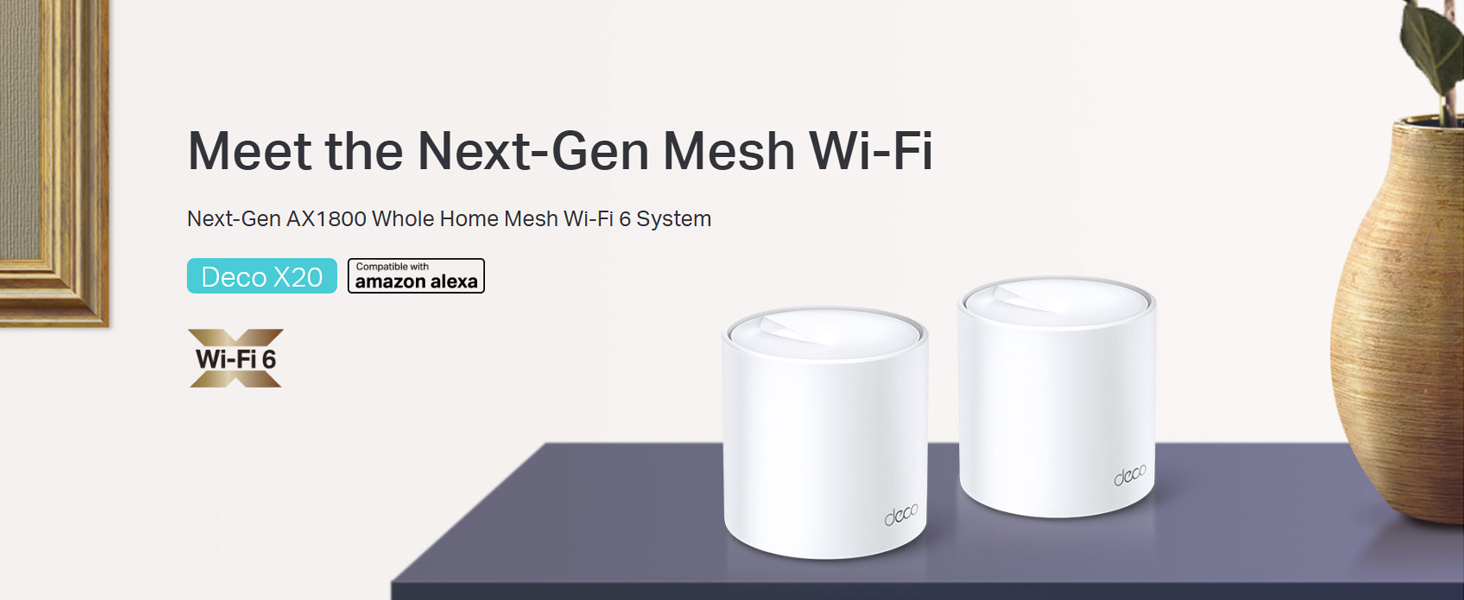
Image: Two TP-Link Deco X20 units on a table, showcasing dizajn produktu.
Čo je v krabici
The Deco X20 (2-Pack) system typically includes the following components:
- 2 x Deco X20 jednotky
- 1 x ethernetový kábel RJ45
- 2 x napájací adaptér
- 1 x Sprievodca rýchlou inštaláciou

Image: The TP-Link Deco X20 (2-Pack) retail box, displaying the included items.
Sprievodca nastavením
Setting up your TP-Link Deco X20 system is designed to be straightforward using the Deco app. Follow these steps for initial installation:
- Stiahnite si aplikáciu Deco: Hľadať "TP-Link Deco" in the App Store (iOS) or Google Play Store (Android) and install the application on your smartphone or tablet.
- Pripojenie hlavnej jednotky Deco:
- Vypnite modem.
- Pripojte jednu Deco jednotku k modemu pomocou dodaného ethernetového kábla.
- Zapnite modem a potom zapnite jednotku Deco. Počkajte, kým LED dióda jednotky Deco nezačne blikať na modro.
- Spustite aplikáciu Deco: Open the Deco app and follow the on-screen instructions to create a TP-Link ID and set up your main Deco unit.
- Pridajte ďalšie deko jednotky: Once the main unit is configured, the app will guide you through adding the remaining Deco units. Place them strategically around your home for optimal coverage.
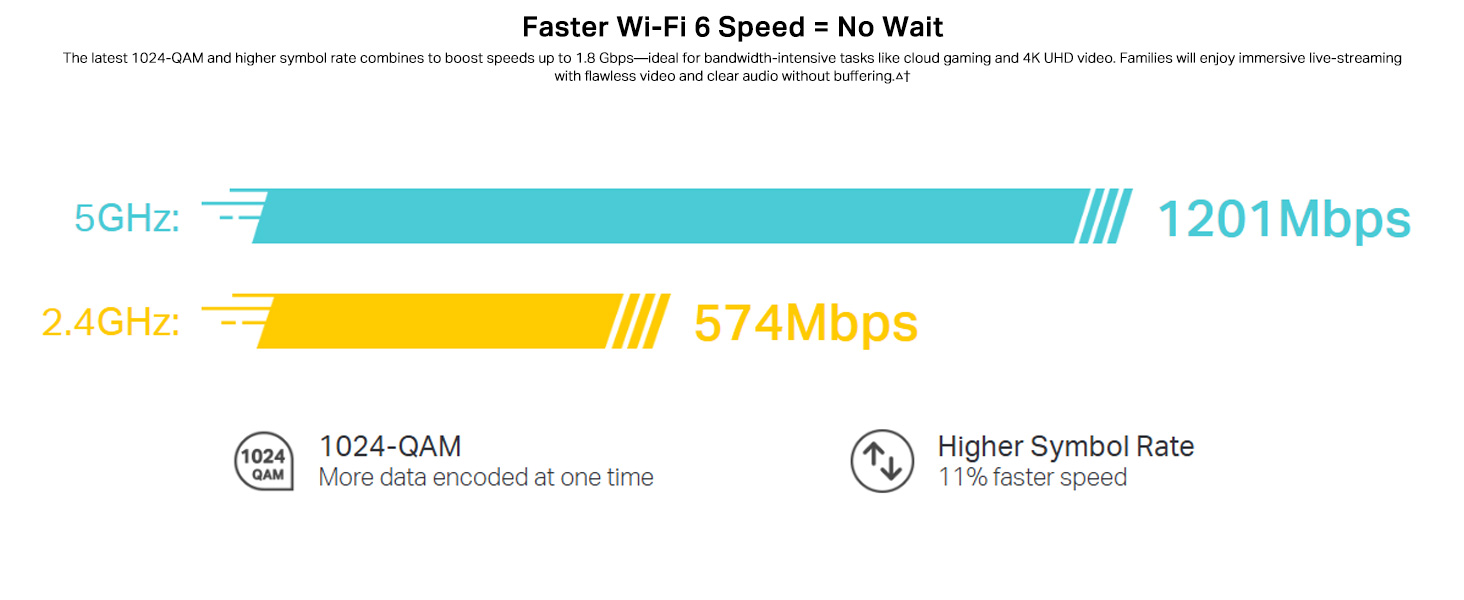
Image: Visual guide for setting up the Deco X20 system via the Deco mobile application.
Návod na obsluhu
The TP-Link Deco X20 system operates as a unified network, providing seamless Wi-Fi coverage. Management is primarily done through the Deco mobile application.
Deco App Features:
- Správa siete: View connected devices, prioritize network traffic (QoS), and manage guest networks.
- Rodičovská kontrola: Set time limits, block inappropriate content, and monitor online activity for family members.
- Antivirus (HomeCare/HomeShield): Protect your network and connected devices from malicious threats.
- Aktualizácie firmvéru: The app facilitates easy firmware updates to ensure your system has the latest features and security enhancements.
- Ovládanie hlasom: Integrate with Amazon Alexa for convenient voice commands to manage your Wi-Fi.

Obrázok: Rozhranie aplikácie Deco demonštrujúce rôzne funkcie ovládania a monitorovania.
Bezproblémový roaming:
The Deco system creates a single Wi-Fi network name (SSID) throughout your home. As you move, your devices automatically connect to the Deco unit with the strongest signal, ensuring an uninterrupted connection.

Image: Comparison of seamless roaming with Deco versus a traditional router and extender setup.
Kľúčové vlastnosti
- Technológia Wi-Fi 6 (802.11ax): Provides faster speeds up to 1800 Mbps (1201 Mbps on 5GHz and 574 Mbps on 2.4GHz), increased capacity, and reduced network congestion.
- Whole Home Mesh Coverage: Eliminates Wi-Fi dead zones, covering up to 4000 sq ft with a 2-pack system.
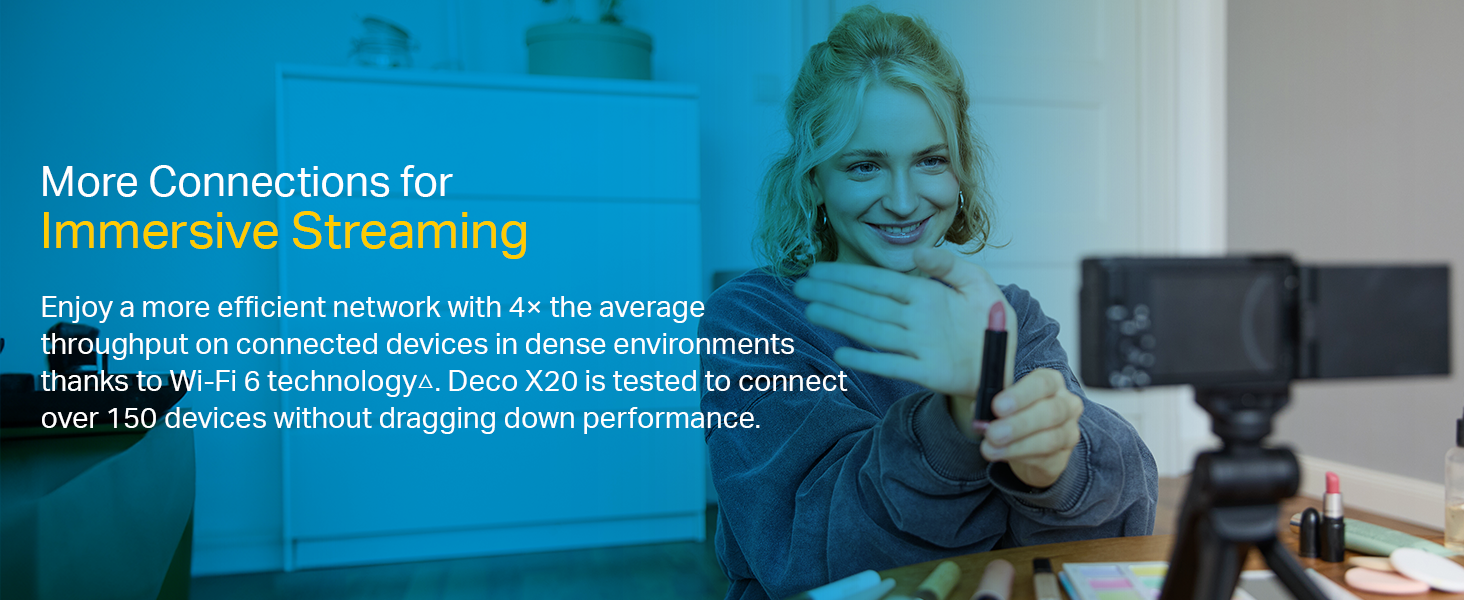
- Pripojenie ďalších zariadení: OFDMA and MU-MIMO technologies allow simultaneous data transmission to multiple devices, supporting over 150 connected devices without performance degradation.
- Ultra nízka latencia: Enhances responsiveness for gaming and video calls.
- TP-Link HomeCare/HomeShield: Offers comprehensive network security, robust parental controls, and Quality of Service (QoS) for a safer and optimized online experience.
- Sieť riadená umelou inteligenciou: The system intelligently learns your network environment and user behavior to optimize Wi-Fi performance continuously.
Obrázok: Infografika zvýrazňujúca výhodytages of Wi-Fi 6, such as speed and efficiency.
Údržba
To ensure optimal performance and security of your Deco X20 system, consider the following maintenance practices:
- Pravidelné aktualizácie firmvéru: Check the Deco app periodically for available firmware updates. Installing updates ensures you have the latest security patches and performance improvements.
- Optimálne umiestnenie: Ensure Deco units are placed in open areas, away from obstructions like large metal objects, thick walls, and other electronic devices that may cause interference.
- Čistota: Keep the Deco units clean and free from dust to prevent overheating and maintain proper airflow. Use a soft, dry cloth for cleaning.
- Monitorovanie siete: Use the Deco app to monitor network activity and identify any unusual behavior or unauthorized devices.
Riešenie problémov
Ak sa vyskytnú problémy so systémom Deco X20, vyskúšajte nasledujúce kroky na riešenie problémov:
- Žiadne internetové pripojenie:
- Skontrolujte, či váš modem funguje správne.
- Uistite sa, že ethernetový kábel medzi hlavnou jednotkou Deco a modemom je bezpečne pripojený.
- Reštartujte modem a hlavnú jednotku Deco.
- Slabý signál Wi-Fi alebo mŕtve zóny:
- Premiestnite jednotky Deco bližšie k sebe alebo do oblastí so slabým signálom.
- Ensure there are no major physical obstructions (e.g., thick concrete walls) between Deco units.
- Consider adding another Deco unit if coverage is still insufficient.
- Stav LED diódy Deco jednotky:
- Neprerušovaná zelená: Deco funguje normálne.
- Pulzujúca modrá: Deco je pripravené na nastavenie.
- Svieti červená: Deco má problém (napr. žiadne internetové pripojenie).
- Pulzujúca červená: Deco is disconnected from the main unit.
- Cannot Connect to Deco App:
- Uistite sa, že váš smartfón je pripojený k Wi-Fi sieti Deco.
- Restart the Deco app.
- Reinstall the Deco app if the issue persists.
Pre ďalšiu pomoc sa obráťte na podporu TP-Link webalebo kontaktujte zákaznícky servis.
Špecifikácie
| Funkcia | Detail |
|---|---|
| Značka | TP-Link |
| Názov modelu | Deco X20 |
| Wireless Standard | 802.11ax (Wi-Fi 6) |
| Trieda frekvenčného pásma | Dvojpásmové (2.4 GHz a 5 GHz) |
| Rýchlosť prenosu dát (max.) | 1800 Mbps (1201 Mbps on 5GHz, 574 Mbps on 2.4GHz) |
| Pokrytie | Up to 4000 sq ft (2-pack) |
| Počet portov | 2 gigabitové ethernetové porty na jednotku Deco |
| Bezpečnostný protokol | WPA-PSK, WPA2-PSK, WPA3 |
| Metóda kontroly | Deco App, Amazon Alexa |
| Rozmery (D x Š x V) | 11L x 11W x 11.4V centimetrov |
| Operačný systém | RouterOS (internal) |
| Nainštalovaná pamäť RAM | 16 GB (Note: This value is from the provided product data and may refer to flash storage or a specific component, as typical router RAM is lower.) |
Záruka a podpora
Informácie o záruke:
The TP-Link Deco X20 comes with a 3-ročná záruka. For any product quality related issues, it is recommended to reach out to TP-Link's customer service support for resolution.
Zákaznícka podpora:
For technical support, warranty claims, or general inquiries, please contact TP-Link customer service:
- Bezplatne: 1800-209-4168
- Email: support.in@tp-link.com
- Adresa výrobcu: TP-Link Systems Inc. 10 Mauchly, Irvine, CA 92618, USA or TP-Link India Private Limited Office No.1, Tower 2, Level 2, Raiaskaran Tech Park, Andheri Kurla Road, M.V Road, Andheri East-400072
Please retain your proof of purchase for warranty services.
Dôležité bezpečnostné informácie
- Nevystavujte zariadenie vode ani vlhkosti.
- Nepokúšajte sa sami rozoberať alebo opravovať zariadenie.
- Používajte iba dodané napájacie adaptéry.
- Ensure proper ventilation around the Deco units to prevent overheating.
Ask a question about this manual
Ask about setup, troubleshooting, compatibility, parts, safety, or missing instructions. Manuals+ will review the question and use this page’s manual context to help answer it.