
1. Dôležité bezpečnostné pokyny
Pred inštaláciou a použitím si pozorne prečítajte všetky pokyny. Uschovajte si tento návod pre budúce použitie.
Všeobecná bezpečnosť
- Pred inštaláciou, údržbou alebo čistením sa uistite, že je odpojené napájanie.
- Tento spotrebič nie je určený na to, aby ho používali osoby (vrátane detí) so zníženými fyzickými, zmyslovými alebo duševnými schopnosťami alebo s nedostatkom skúseností a znalostí, pokiaľ nie sú pod dozorom alebo nie sú poučené o používaní spotrebiča osobou zodpovednou za ich bezpečnosť.
- Deti by mali byť pod dozorom, aby sa zabezpečilo, že sa so spotrebičom nebudú hrať.
Elektrická bezpečnosť
- All electrical connections must be made by a qualified electrician and conform to local codes and regulations.
- Zabezpečte objtage and frequency of your power supply match the specifications of the fan.
- The fan must be properly grounded to prevent electric shock.
Bezpečnosť inštalácie
- Mount the fan to a ceiling structure capable of supporting a minimum of 15 kg (33 lbs).
- Ensure there is adequate clearance between the fan blades and any obstacles (walls, furniture) and the floor. A minimum distance of 2.3 meters (7.5 feet) from the floor to the blades is recommended.
- Do not install the fan in a location where it can be easily reached by children or pets.
2. Produkt skončilview
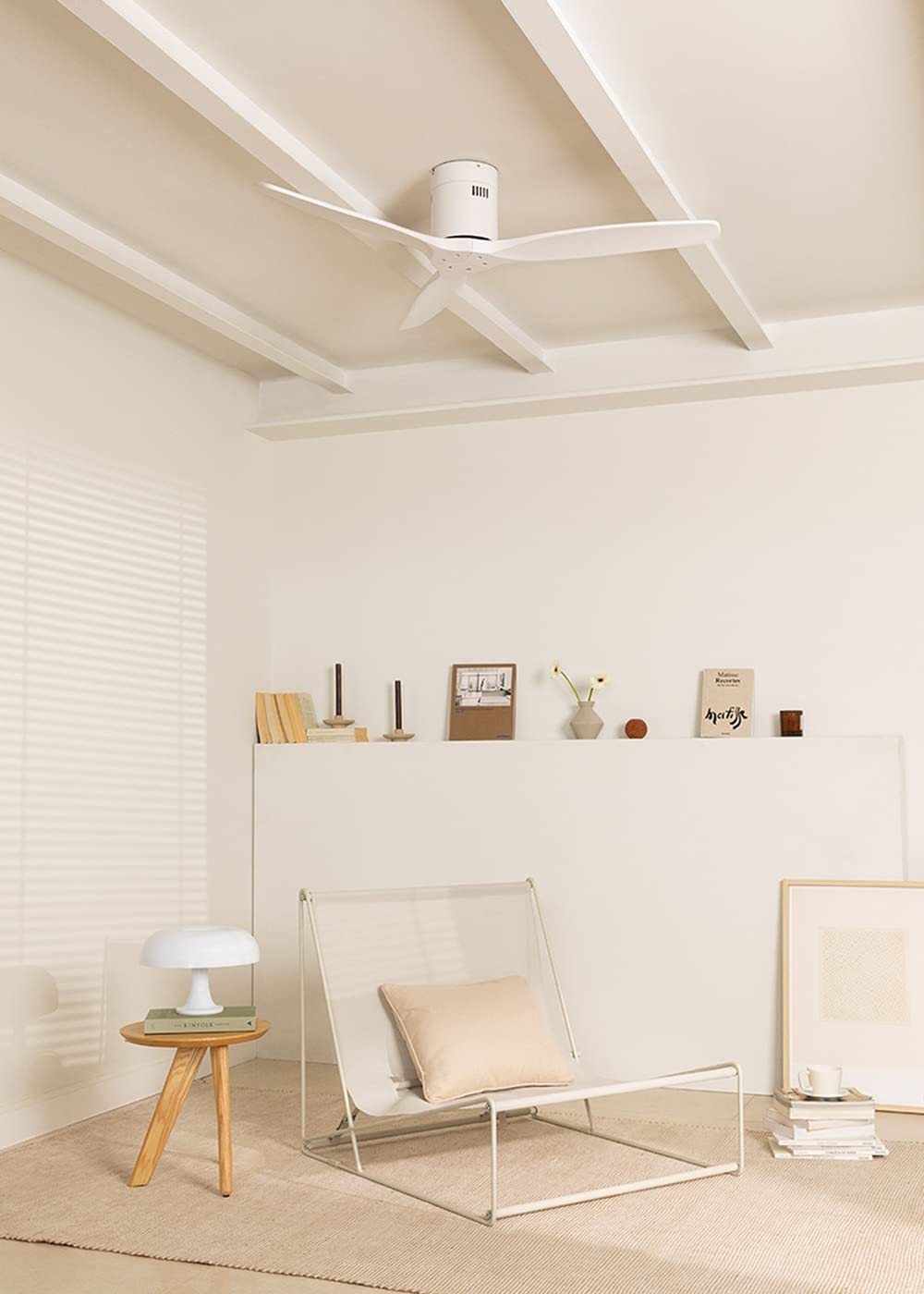
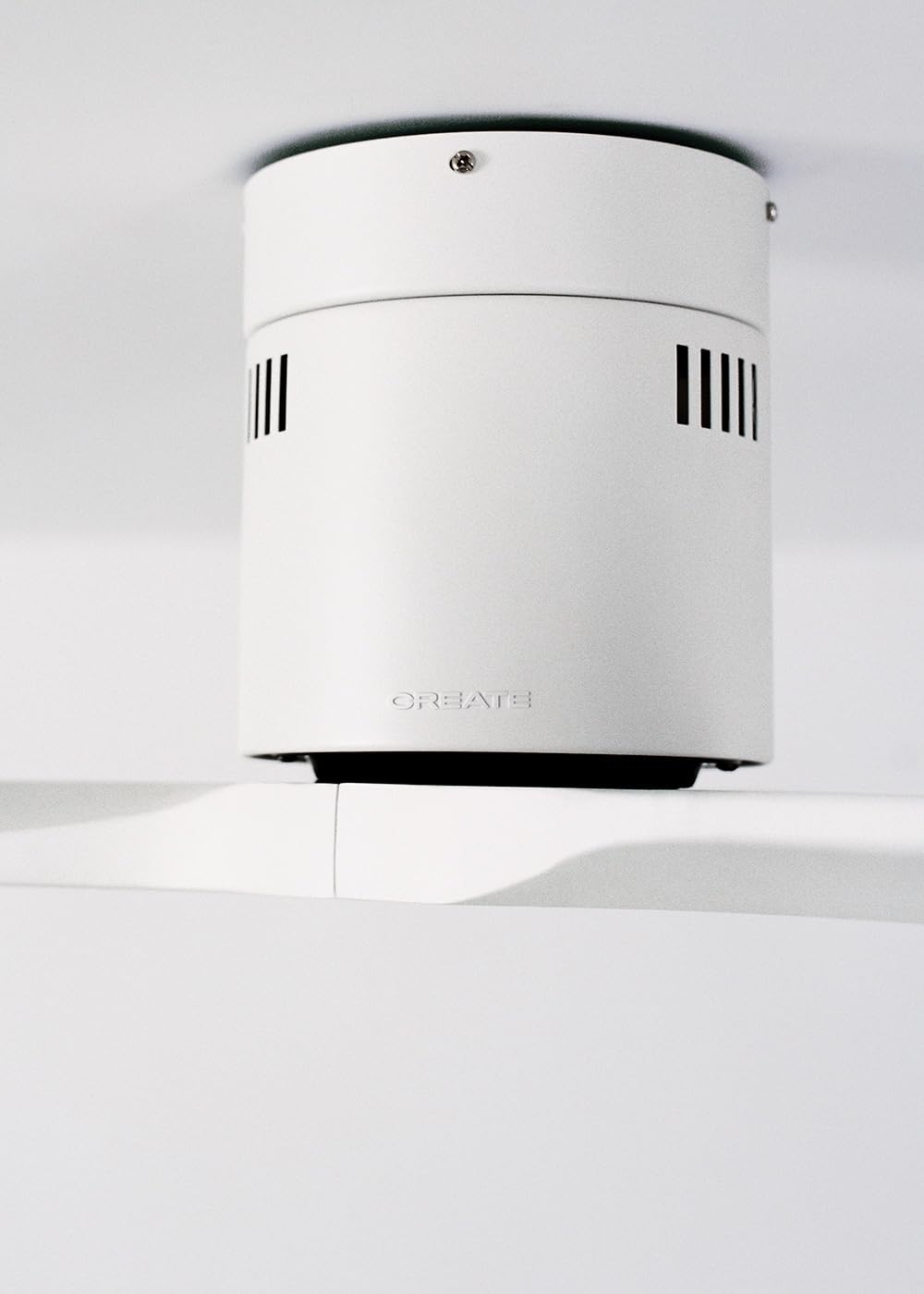
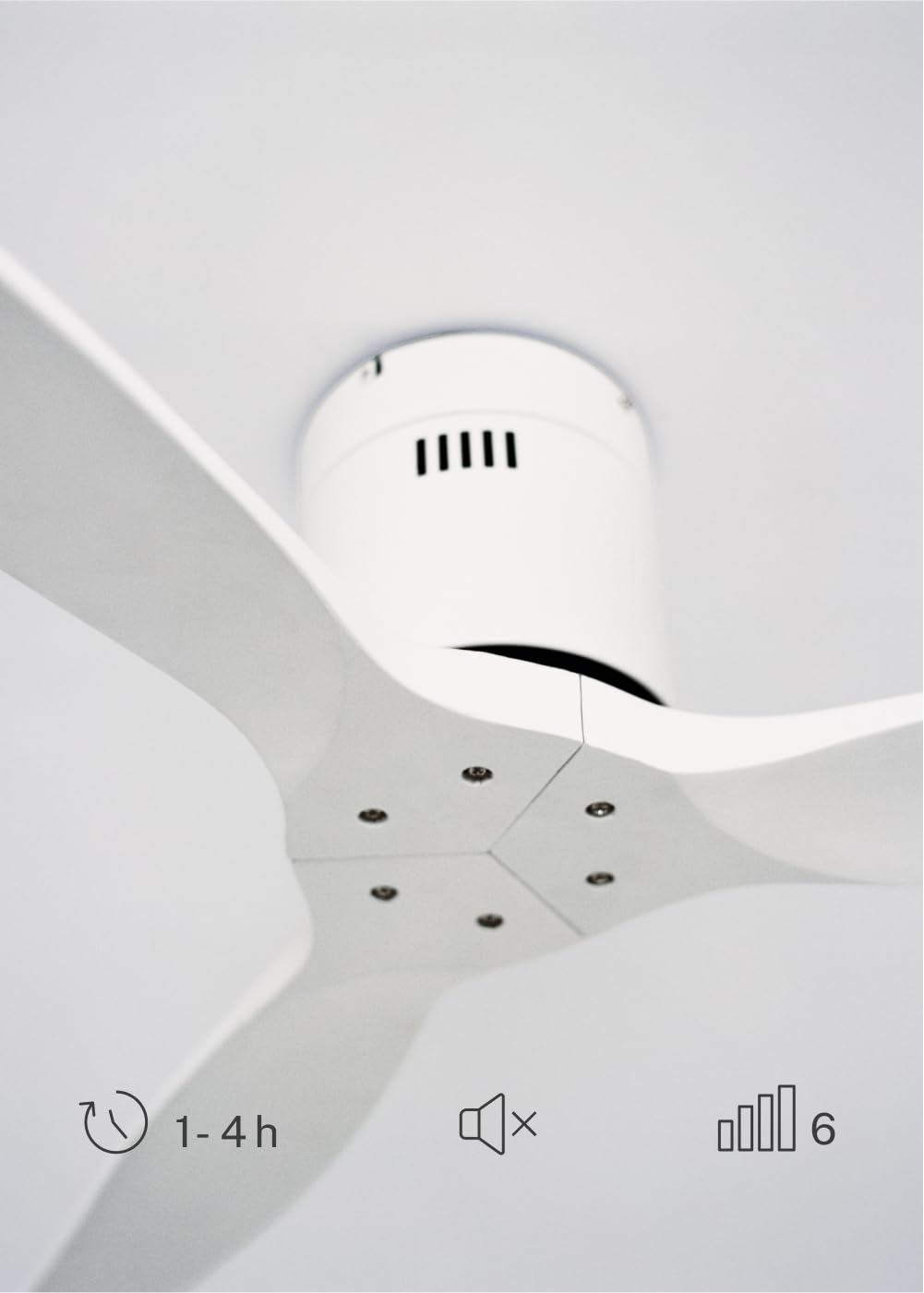
The CREATE WINDCALM DC Ceiling Fan is designed for efficient and quiet air circulation in various indoor spaces. It features a durable aluminum body, a silent DC motor, and three lightweight blades, ensuring minimal noise operation. The fan offers 6 adjustable speeds and a programmable timer for convenience.

3. Technické špecifikácie
| Funkcia | Špecifikácia |
|---|---|
| Značka | VYTVORIŤ |
| Číslo modelu | 43479_88375 |
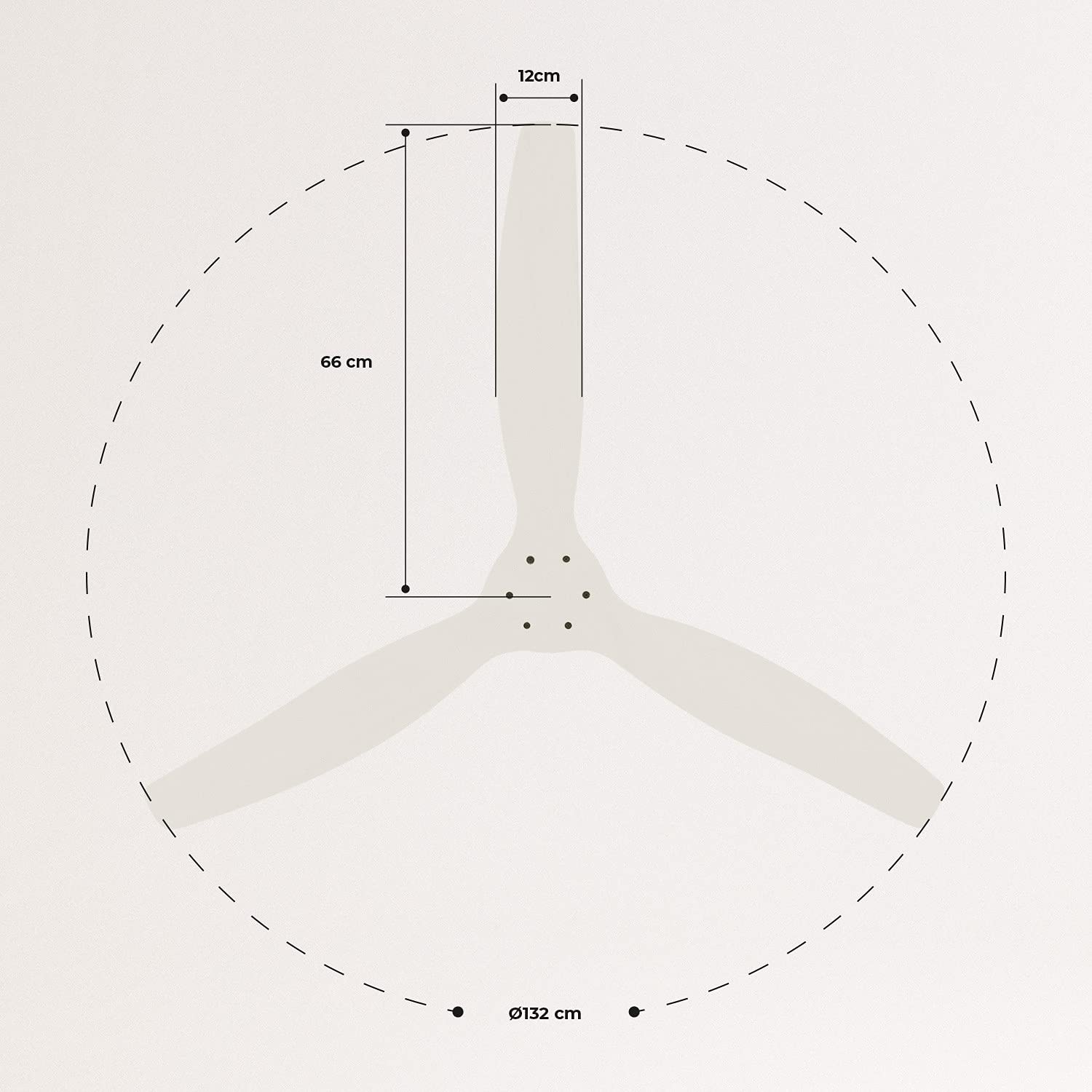
| Rozmery (D x Š x V) | 132 x 132 x 29 cm |
| Hmotnosť | 6.38 kg |
| Dizajn ventilátora | Stropný ventilátor |
| Zdroj napájania | Elektrický kábel |
| Špeciálna funkcia | High Speed, Silent DC Motor, Timer, Summer/Winter Function |
| Odporúčané použitie | Vetranie |
| Typ izby | Living Room (suitable for 13m² to 25m² rooms) |
| Farba | White Blades |

4. Inštalačná príručka
Proper installation is crucial for the safe and efficient operation of your ceiling fan. It is highly recommended that installation be performed by a qualified electrician.
Kontroly pred inštaláciou
- Rozbaľte všetky komponenty a skontrolujte ich podľa dodacieho listu.
- Ensure the ceiling joist or support structure is strong enough to hold the fan's weight.
- Turn off power at the main circuit breaker before starting any electrical work.
Montáž ventilátora
- Secure the mounting bracket to the ceiling outlet box using appropriate screws and washers.
- Opatrne zdvihnite zostavu motora ventilátora a pripevnite ju k montážnej konzole.
Zapojenie káblov
Connect the electrical wires according to the wiring diagram provided in the separate detailed installation manual (not included in this general overview). Ensure all connections are secure and insulated.
Pripevnenie čepelí
Attach the fan blades to the motor hub using the provided screws. Ensure all screws are tightened securely.

5. Návod na obsluhu
Your CREATE WINDCALM DC Ceiling Fan comes with a remote control for convenient operation of all its functions.
Funkcie diaľkového ovládania
Diaľkové ovládanie vám umožňuje:
- Zapnutie/vypnutie: Zapnite alebo vypnite ventilátor.
- Nastavenie rýchlosti: Select from 6 different fan speeds to control airflow intensity.
- Nastavenie časovača: Program the fan to automatically turn off after 1, 2, or 4 hours.
- Letný/zimný režim: Change the direction of blade rotation to optimize air circulation for different seasons.
Letný režim
In summer mode, the fan blades rotate counter-clockwise, pushing air downwards. This creates a cooling breeze effect, helping to dissipate heat and refresh the room.

Zimný režim
In winter mode, the fan blades rotate clockwise, drawing air upwards. This helps to circulate warm air that accumulates near the ceiling, distributing it evenly throughout the room and improving heating efficiency.
6. Údržba a starostlivosť
Pravidelná údržba zaisťuje dlhú životnosť a optimálny výkon vášho stropného ventilátora.
Upratovanie
- Pred čistením vždy vypnite napájanie ventilátora ističom.
- Použite mäkký, damp cloth to wipe down the fan blades and motor housing. Do not use abrasive cleaners or solvents, as they may damage the finish.
- Pred obnovením napájania sa uistite, že ventilátor je úplne suchý.
Pravidelné kontroly
- Periodically check all screws and fasteners on the mounting bracket and blade attachments to ensure they are secure. Tighten if necessary.
- Listen for any unusual noises during operation, which may indicate a loose part or an issue with the motor.
7. Riešenie problémov
If you encounter any issues with your fan, refer to the following common problems and their solutions:
| Problém | Možná príčina | Riešenie |
|---|---|---|
| Ventilátor sa nezapne | Žiadne napájanie Uvoľnené pripojenie vodičov Slabá batéria diaľkového ovládača | Skontrolujte istič a nástenný vypínač Verify all wiring connections are secure (consult electrician) Vymeňte batérie diaľkového ovládača |
| Ventilátor vydáva nadmerný hluk | Uvoľnené skrutky na čepeliach alebo upevnení Ohnutá čepeľ Problém s motorom | Utiahnite všetky skrutky Check blades for damage and replace if necessary Kontaktujte zákaznícku podporu |
| Diaľkové ovládanie nefunguje | Batéria je vybitá Prekážka medzi diaľkovým ovládačom a prijímačom Diaľkové ovládanie nie je spárované (ak je to relevantné) | Vymeňte batérie Zabezpečte jasný výhľad Refer to detailed manual for pairing instructions |
| Ventilátor sa kolíše | Uvoľnená montážna konzola Nevyvážené čepele | Uistite sa, že montážna konzola je bezpečne upevnená Check blade balance and use balancing kit if needed |
8. Záruka a podpora
For warranty information, technical support, or replacement parts, please contact CREATE customer service. Keep your purchase receipt as proof of purchase.
You can find more information and contact details on the official CREATE webmiesto: www.create-store.com