
REXING H6
Používateľská príručka k duálnej kamere REXING Woodlens H6
Model: H6
1. Úvod
The REXING Woodlens H6 is an advanced dual-camera trail camera designed for capturing high-quality video and still images of wildlife, property, or other outdoor subjects. Featuring both a 4K Ultra HD lens for daytime recording and an FHD Infrared lens for night vision, the H6 ensures clear visuals in various lighting conditions. Its robust, weather-resistant design and long standby time make it an ideal solution for extended outdoor surveillance.
2. Produkt skončilview a kľúčové vlastnosti
- Systém duálneho fotoaparátu: Captures 4K Ultra HD video during the day and FHD Infrared video at night with simultaneous audio recording. Designed to avoid IR CUT switching sounds that might disturb wildlife.
- Zobrazovanie vo vysokom rozlíšení: Supports up to 20MP still images and cinematic video quality.
- Integrated LCD & Speaker: Features a built-in 2.4-inch LCD screen and speaker for direct viewing and editing of recordings without external devices.
- Pokročilé nočné videnie: Equipped with 35M IR Flash and double 850nm high-powered Infrared lights, illuminating subjects up to 65 feet away for clear night images.
- Rýchla rýchlosť spúšte: Responds to motion within 0.2 seconds via 110° PIR sensors (Front + Side Sensor).
- Flexibilné možnosti nahrávania: Allows manual scheduling for recording start/stop times and supports time-lapse videos and photos.
- Odolný a bezpečný dizajn: IP66 rated sturdy open/close case protects against rain and dust. The camera can be password-protected and secured with a lock.
- Predĺžený pohotovostný režim: Supports up to 512GB SD card and offers up to 12 months of standby time.
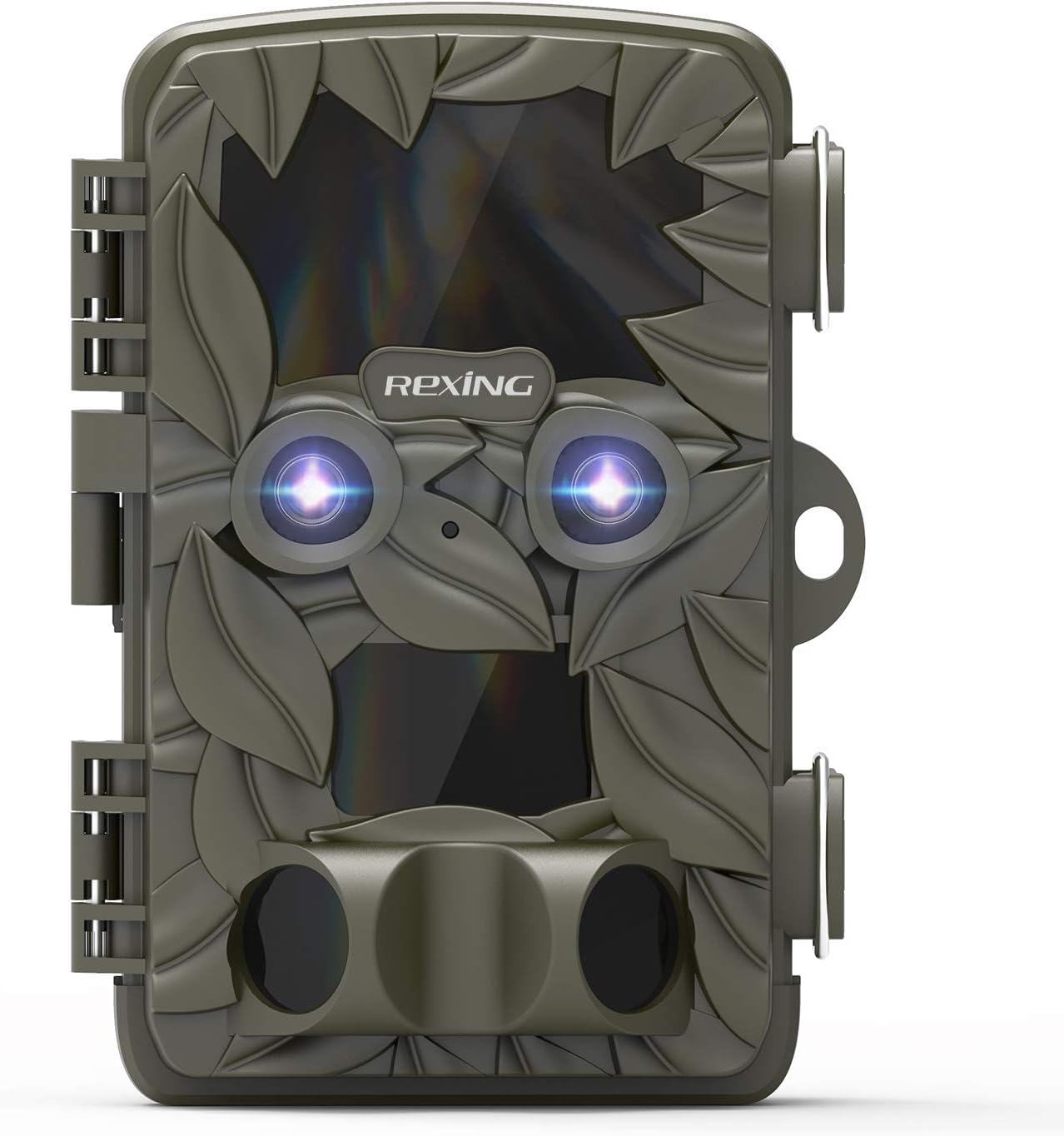
Obrázok 2.1: Predná strana view of the REXING Woodlens H6 Trail Camera, showcasing its camouflage design and dual lenses.
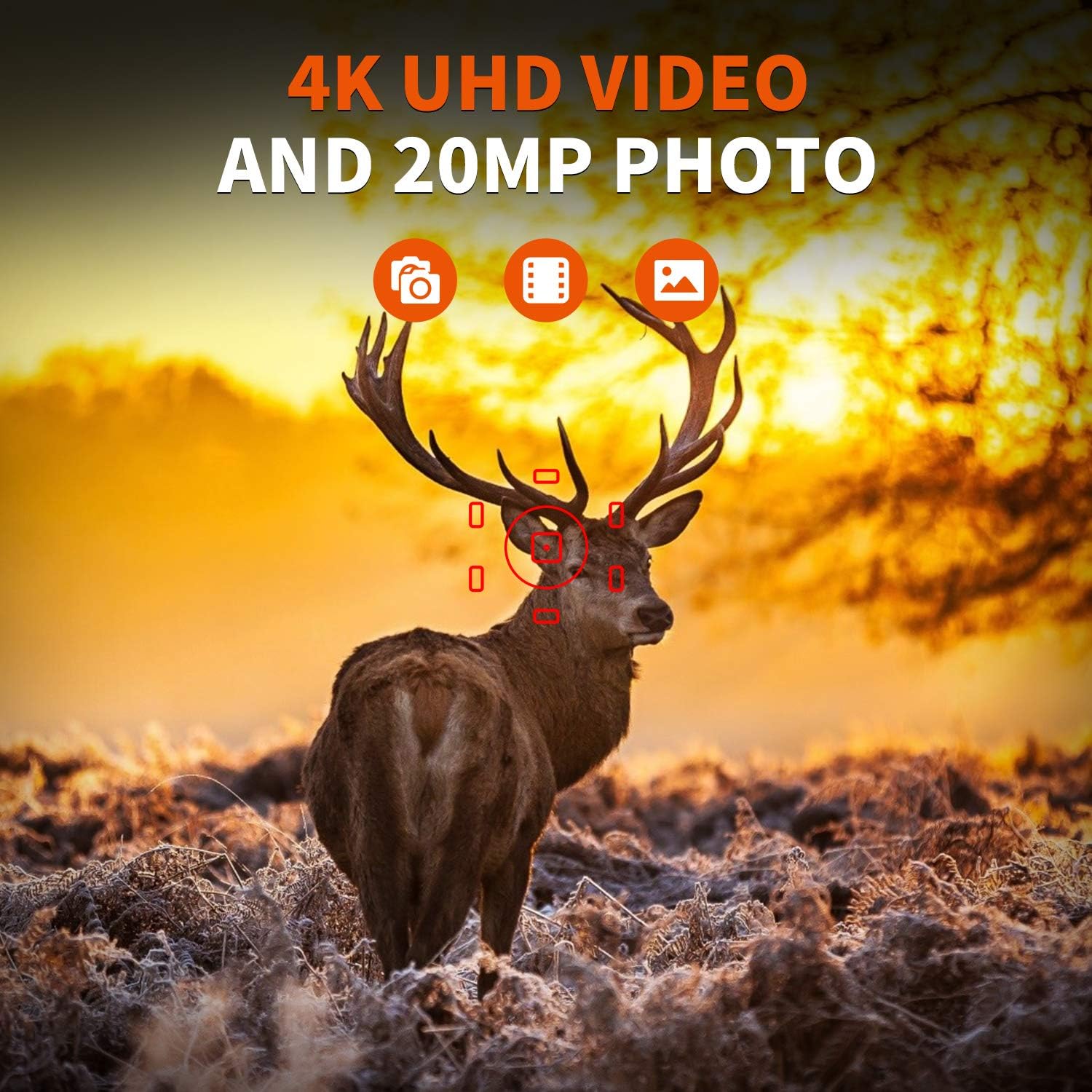
Figure 2.2: The REXING Woodlens H6 captures stunning 4K UHD video and 20MP photos, as demonstrated by this image of a deer in its natural habitat.
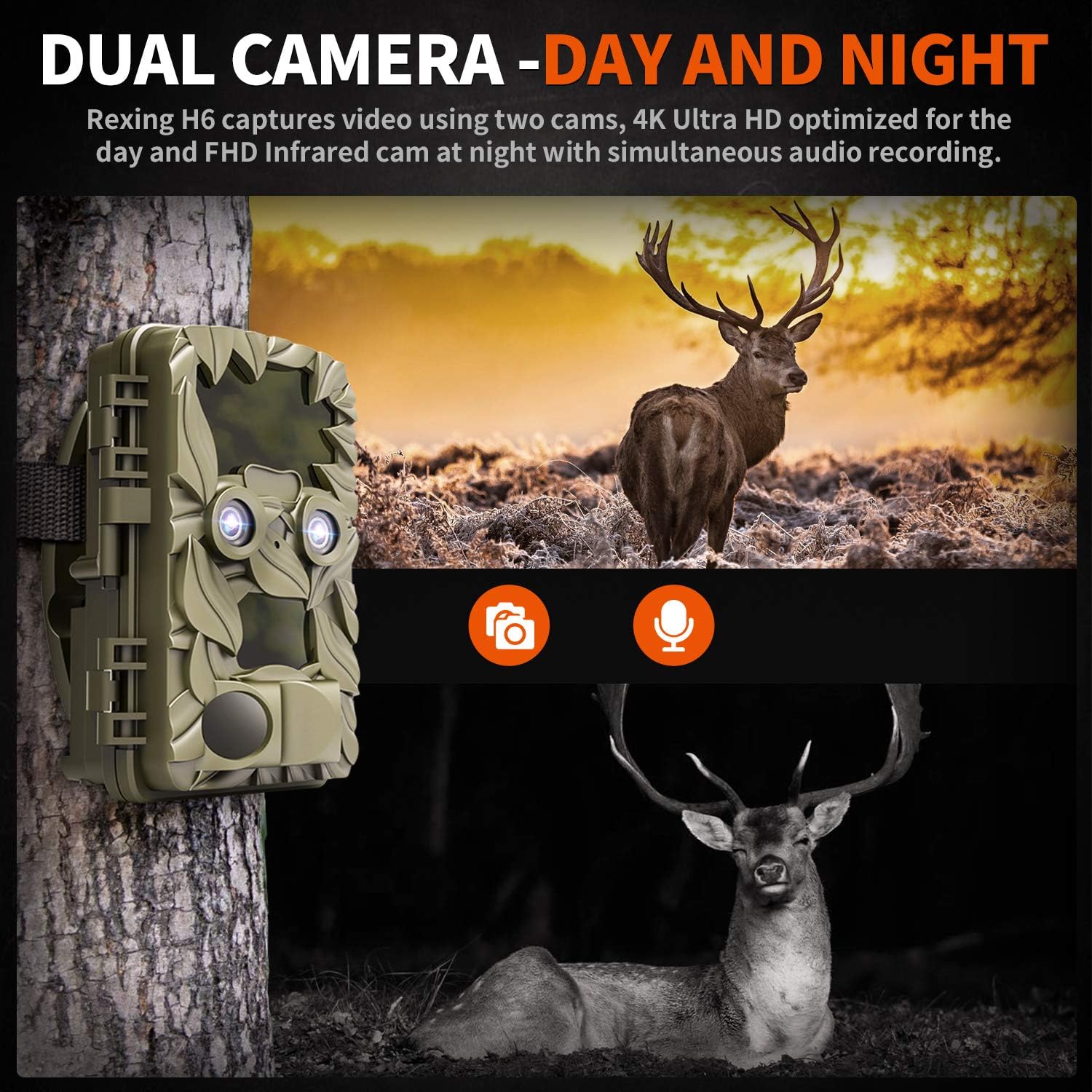
Figure 2.3: The H6 features a dual camera system, optimized for both day (4K) and night (FHD Infrared) recording, ensuring comprehensive surveillance around the clock.

Figure 2.4: Enhanced night vision capabilities of the H6, capturing clear images of wildlife up to 35 meters away in low light conditions, without disturbing sounds.

Figure 2.5: The H6 boasts a 120-degree detection angle and an ultra-fast 0.2-second trigger speed, ensuring no motion is missed.

Figure 2.6: Built to withstand the elements, the H6 is IP56 rated, making it resistant to heavy rain, ice, snow, dust, and mud.

Figure 2.7: The H6 is designed for low power consumption, compatible with 8x AA batteries, providing up to 12 months of standby time.

Figure 2.8: The REXING Woodlens H6 is versatile, suitable for multiple applications including wildlife monitoring, farm surveillance, and security.
3. Obsah balenia
Skontrolujte, prosím, obsah balenia, aby ste sa uistili, že sú v ňom všetky položky:
- REXING Woodlens H6 Trail Camera
- Montážny popruh
- USB kábel
- AV kábel
- Používateľská príručka
- (Optional: 8x AA Batteries - check product packaging)
4. Nastavenie
4.1 Inštalácia batérie
- Open the camera's outer casing uvoľnením bočných spôn.
- Nájdite priehradku na batérie.
- Vložte 8 batérie typu AA a dbajte na správnu polaritu (+/-) podľa vyznačenia vo vnútri priehradky.
- Bezpečne zatvorte kryt priestoru pre batérie.
4.2 Vloženie SD karty
- S otvoreným fotoaparátom vyhľadajte slot pre SD kartu.
- Insert a compatible SD card (up to 512GB) into the slot until it clicks into place. Ensure the card is inserted in the correct orientation.
- Pred prvým použitím sa odporúča naformátovať SD kartu cez menu fotoaparátu.
4.3 Montáž fotoaparátu
- Vyberte vhodné miesto pre kameru, napríklad strom alebo stĺp, a zabezpečte tak jasný výhľad. view požadovanej oblasti.
- Prevlečte dodaný montážny popruh cez otvory na zadnej strane fotoaparátu.
- Securely fasten the strap around the tree or pole, adjusting the camera's angle as needed.
- Alternatively, the camera can be wall-mounted using appropriate hardware (not included) via the mounting point.
4.4 Počiatočné zapnutie
- Po vložení batérií a SD karty prepnite kameru do polohy „ON“.
- The LCD screen will power on, and you can begin configuring settings.
5. Návod na obsluhu
5.1 Navigácia v ponuke
Use the control buttons (MENU, UP, DOWN, LEFT, RIGHT, OK, SHOT) located next to the LCD screen to navigate through the camera's settings and modes.
- PONUKA: Prístup k hlavnej ponuke nastavení.
- HORE DOLE: Slúži na navigáciu medzi možnosťami ponuky.
- VĽAVO VPRAVO: Adjusts values or selects sub-options.
- OK: Potvrdí výber.
- STRELA: Manually takes a photo or starts/stops video recording in preview režim.
5.2 Režimy nahrávania
The H6 supports various recording modes:
- Foto režim: Captures still images (up to 20MP).
- Režim videa: Records video (4K UHD day, FHD night).
- Režim foto + video: Po detekcii nasníma statický obrázok a následne videoklip.
- Časozberný režim: Captures photos or videos at set intervals to create time-lapse sequences.
5.3 Setting Up Scheduled Recording
To set specific times for the camera to operate:
- Vstúpte do MENU.
- Navigate to the "Timer" or "Schedule" setting.
- Set the desired start and end times for recording. The camera will only be active during these periods.
5.4 Viewa správa nahrávok
Nahrávky môžu byť viewed directly on the camera or on an external device:
- Prehrávanie na fotoaparáte: Use the built-in 2.4-inch LCD screen and navigation buttons to review nasnímané fotografie a videá.
- Pripojenie TV: Connect the camera to a TV using the provided AV cable to view recordings on a larger screen.
- Pripojenie k počítaču: Connect the camera to a computer via the USB cable, or remove the SD card and insert it into a card reader, to transfer and view files.
5.5 Ochrana heslom
To prevent unauthorized access to your camera settings and recordings:
- Vstúpte do MENU.
- Navigate to the "Password" or "Security" setting.
- Set a 4-digit PIN. Remember this PIN as it will be required to access the camera.
Video 5.1: Official product video demonstrating the features and operation of the REXING Woodlens H6 Trail Camera, including its dual lens capabilities, night vision, and user interface.
6. Údržba
- Čistenie: Na čistenie tela fotoaparátu a objektívov používajte mäkkú, suchú handričku. Nepoužívajte abrazívne čistiace prostriedky ani rozpúšťadlá.
- Výmena batérie: Replace all batteries simultaneously when the low battery indicator appears to ensure optimal performance and prevent leakage.
- Správa karty SD: Regularly back up important recordings and format the SD card periodically to maintain optimal recording performance and prevent data corruption.
- Ukladací priestor: Ak fotoaparát dlhší čas nepoužívate, vyberte batérie a uložte ho na chladnom a suchom mieste mimo dosahu priameho slnečného žiarenia.
7. Riešenie problémov
| Problém | Možná príčina | Riešenie |
|---|---|---|
| Fotoaparát sa nezapne. | Slabé alebo vybité batérie; nesprávna inštalácia batérií. | Vymeňte všetky batérie za nové a dbajte na správnu polaritu. |
| Camera stops functioning after installation / No data recorded. | SD card full or corrupted; incorrect SD card insertion; camera settings preventing recording. | Format the SD card (backup data first); ensure SD card is properly inserted; check recording mode and schedule settings. Ensure sufficient battery power. |
| Slabá kvalita obrazu/videa v noci. | IR lights obstructed; subject too far; low battery affecting IR performance. | Ensure clear line of sight for IR lights; position camera closer to subjects (within 65ft); replace batteries. |
| Camera not triggering motion. | PIR sensor obstructed; sensitivity setting too low; subject outside detection range. | Clear obstructions from PIR sensors; increase PIR sensitivity in settings; ensure subjects pass within the 110° detection angle. |
| Camera screen counts down and switches off. | This is normal behavior for the camera to enter monitoring mode after a brief display. | No action required. The camera is functioning as designed. |
| No Wi-Fi connectivity. | The REXING Woodlens H6 model does not feature Wi-Fi connectivity. | This model requires direct connection via AV/USB cable or SD card removal for data transfer. |
8. Špecifikácie
| Funkcia | Detail |
|---|---|
| Značka | REXING |
| Model | H6 |
| Rozlíšenie snímania videa | 2160p (4K UHD) |
| Efektívne stále rozlíšenie | 20 MP |
| Technológia fotografického snímača | CMOS |
| Nočné videnie | 35M IR Flash, Double 850nm High Powered Infrared Light |
| Detekčný uhol PIR | 110° (Front + Side Sensor) |
| Rýchlosť spúšťania | 0.2 sekundy |
| Displej | Built-in 2.4-inch LCD |
| Skladovanie | SD karta (až 512 GB) |
| Zdroj napájania | 8x AA Batteries (12 Month Standby) |
| Konektivita | AV Output, USB |
| Hodnotenie medzinárodnej ochrany | IP66 |
| Položka Rozmery balenia | 7.68 x 4.92 x 3.9 palca |
| Hmotnosť balíka | 0.61 kg |
| UPC | 810046601815 |
9. Záruka a podpora
For warranty information and technical support, please refer to the official REXING webalebo sa priamo obráťte na ich zákaznícky servis. Uschovajte si doklad o kúpe ako doklad o kúpe pre prípad reklamácie.
Kontaktné informácie:
- Webmiesto: www.rexingusa.com (Prosím, overte si oficiálne website for the most current information)
- Email: Pozrite si webstránka pre e-mailovú podporu.
- Telefón: Pozrite si webstránku s telefónnym číslom podpory.
Ask a question about this manual
Ask about setup, troubleshooting, compatibility, parts, safety, or missing instructions. Manuals+ will review the question and use this page’s manual context to help answer it.