
NIIMBOT D11
Používateľská príručka štítkovača NIIMBOT D11
Model: D11 | Brand: NIIMBOT
1. Úvod
This manual provides detailed instructions for the setup, operation, and maintenance of your NIIMBOT D11 Portable Bluetooth Thermal Label Printer. Please read this manual thoroughly before using the device to ensure proper function and longevity.

Image: The NIIMBOT D11 Label Maker, a compact and portable thermal printer.
2. Obsah balenia
Overte, či sú v balení všetky položky:
- 1 × NIIMBOT D11 Label Maker
- Kábel 1 × USB
- 1 × Roll of 0.6×1.6 inch (160 pcs) label tape (pre-installed inside the machine)
- 1 × Návod na použitie
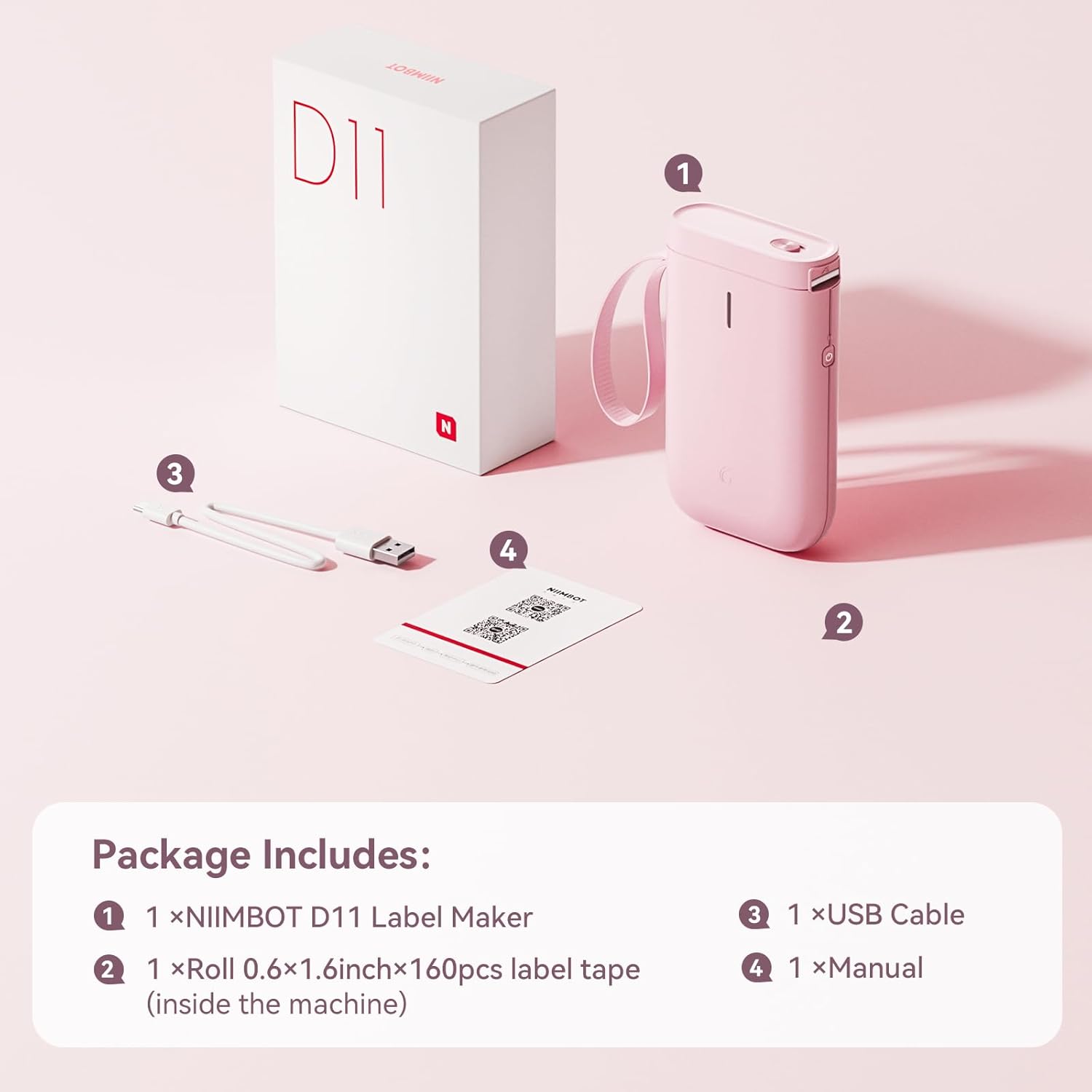
Image: Visual representation of the NIIMBOT D11 Label Maker package contents, including the device, USB cable, label roll, and manual.
3. Nastavenie
3.1 Nabíjanie zariadenia
Before first use, fully charge the NIIMBOT D11 Label Maker using the provided USB cable. Connect the USB cable to the charging port on the device and a compatible USB power source. The LED indicator will show charging status. A full charge may take several hours.
3.2 Vkladanie štítkového papiera
- Locate the paper cover switch on the top of the device.
- Slide the switch to open the paper cover.
- Ensure the label roll is inserted correctly. The tip of the label tape should face towards the power button.
- Pevne zatvorte kryt papiera.
- Press and hold the power button for 0.5 seconds to allow the machine to automatically align the label paper.
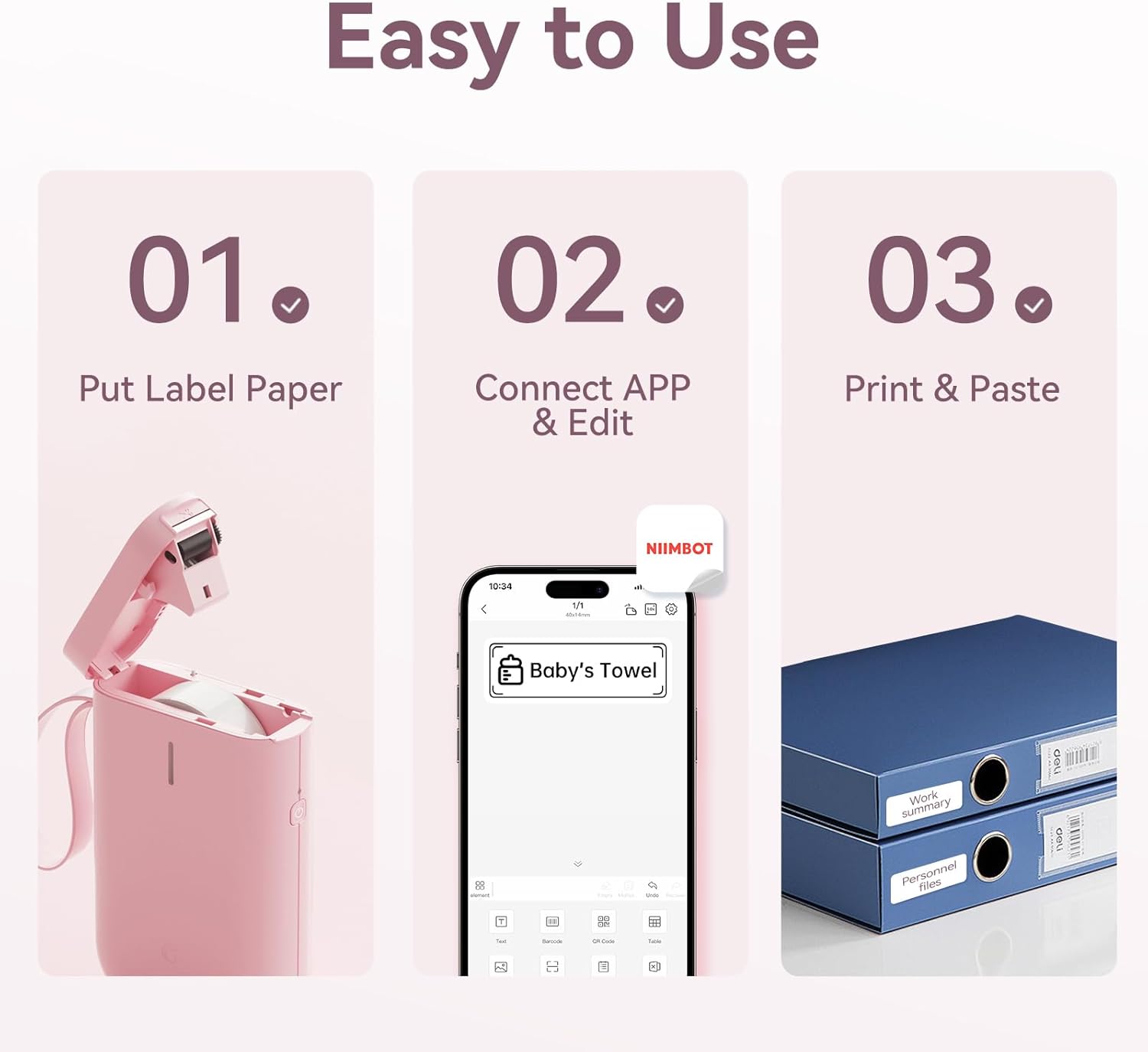
Image: Visual guide showing the three steps to load label paper, connect to the app, and print/paste labels.
Video: Detailed operation guide for the D11 Label Maker, including paper loading and basic functions.
3.3 Stiahnutie a inštalácia aplikácie
The NIIMBOT D11 operates via the NIIMBOT mobile application. Download the app from your device's app store:
- For iOS devices: Search "NIIMBOT" in the Apple App Store.
- For Android devices: Search "NIIMBOT" in the Google Play Store.
Nainštalujte si aplikáciu do smartfónu.
3.4 Párovanie s mobilným zariadením
- Turn on the NIIMBOT D11 Label Maker by pressing the power button for 3 seconds. The blue light will flash.
- Povoľte na svojom mobilnom zariadení Bluetooth.
- Open the NIIMBOT application.
- In the app, search for nearby devices and select "D11" from the list to connect.
- Once connected, the app will automatically identify the label paper template.
4. Návod na obsluhu
4.1 Vytváranie štítkov
The NIIMBOT app offers various features for label creation:
- Text: Enter custom text, adjust font, size, and style.
- ikony: Choose from a library of icons to enhance your labels.
- Čiarové kódy/QR kódy: Generate and print barcodes or QR codes for product identification or information.
- Šablóny: Utilize pre-designed templates for common labeling needs (e.g., home organization, price tags).
- obrázky: Insert simple images onto your labels.
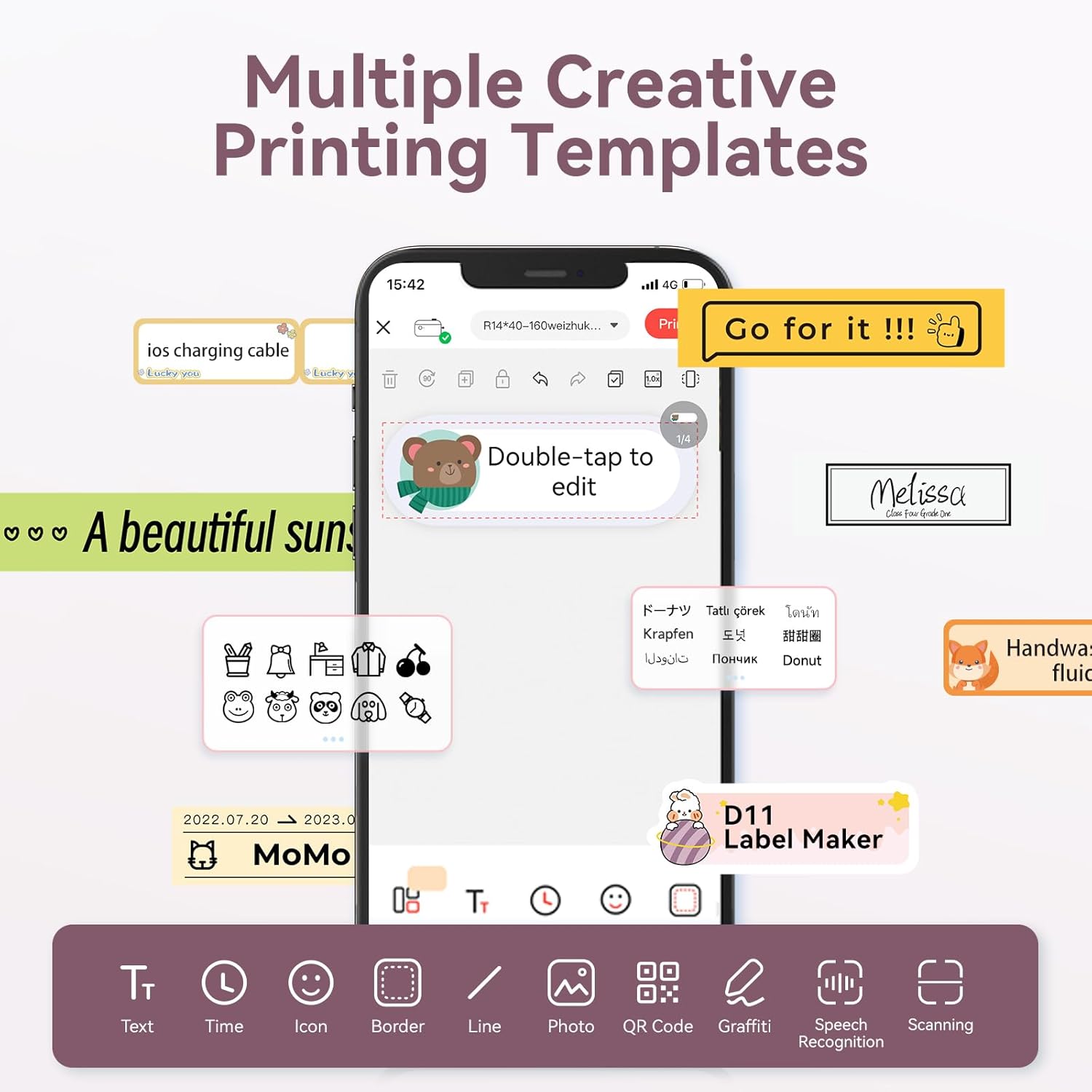
Image: The NIIMBOT app interface displaying various creative templates and editing options for labels.
4.2 Tlač štítkov
After designing your label in the app:
- Review štítok preview v aplikácii.
- Adjust the number of copies and print density as needed.
- Click the "Print" button in the app. The label maker will print the labels.
- Gently tear off the printed labels from the machine.
Video: A demonstration of the D11 Label Maker in various scene applications, showcasing jeho jednoduchosť použitia a všestrannosť.
Video: Overview of the D Series Label Maker with tape, highlighting its features and applications.
5. Aplikácie
The NIIMBOT D11 Label Maker is versatile and suitable for various labeling needs:
- Domáca organizácia: Labeling containers, storage bins, pantry items, and personal belongings.
- Kancelária a škola: Organizovanie files, documents, stationery, and school supplies.
- Malé podniky: Creating price tags, product labels, and inventory identification.
- Špeciálne štítky: Cable identification, jewelry tags, and food date marking.

Image: Collage showing labels used for home organization (medicine box), office files, business products (sweater with barcode), and school items (notebook).

Obrázok: Napramples of labels demonstrating features like waterproof properties, food date marking, data cable organization, and personal item identification.
6. Údržba
6.1 Čistenie
To maintain optimal printing quality, regularly clean the print head. Use a soft, lint-free cloth lightly dampened with isopropyl alcohol. Gently wipe the print head. Ensure the device is powered off before cleaning.
6.2 Skladovanie
Store the label maker in a cool, dry place away from direct sunlight and extreme temperatures. Remove any label rolls if storing for extended periods.
7. Riešenie problémov
| Problém | Možná príčina | Riešenie |
|---|---|---|
| Zariadenie sa nezapína | Slabá batéria | Zariadenie úplne nabite. |
| Nedá sa pripojiť cez Bluetooth | Bluetooth is off on phone; device not discoverable | Ensure phone's Bluetooth is on. Restart both device and phone. Re-pair in the app. |
| Zlá kvalita tlače | Dirty print head; incorrect label roll insertion; low print density setting | Clean the print head. Re-insert label roll correctly. Increase print density in app. |
| Štítky sa nepodávajú správne | Label roll jammed or incorrectly inserted | Open cover, check for jams, re-insert label roll, and perform auto-alignment. |
8. Špecifikácie
- Názov modelu: D11
- Technológia tlače: Termálne
- Pripojenie: Bluetooth
- Maximálna rýchlosť tlače (monochromatická): 20 ppm
- Maximálne rozlíšenie čiernobielej tlače: 203 dpi
- Batéria: 1 lítium-iónová batéria (1200 mAh)
- Rozmery produktu: 4.2 x 2.9 x 1.2 palca
- Hmotnosť položky: 12.6 uncí
- Kompatibilné zariadenia: Smartphones (iPhone, iOS & Android)
- Spôsob kontroly: App
- Špeciálne vlastnosti: Portable, Easy to Use, Clear Printing, Rechargeable
- Maximálna veľkosť média: Menšie ako A3
- Sheet Size Options: 0.47''X1.57'', 0.55''x1.18'', 0.55''X1.57'', 0.47''X1.18'', 0.59''X1.18'' Inches
9. Záruka a podpora
For warranty information and customer support, please refer to the official NIIMBOT website or contact their customer service directly. The user manual included in your package may also contain specific warranty details and contact information.
Ďalšie zdroje a informácie o produkte nájdete na Obchod NIIMBOT na Amazone.
Ask a question about this manual
Ask about setup, troubleshooting, compatibility, parts, safety, or missing instructions. Manuals+ will review the question and use this page’s manual context to help answer it.