
Úvod
Thank you for choosing the LEXIP Madara Design Headset. This manual provides detailed instructions for setting up, operating, and maintaining your headset. Please read this manual thoroughly before use to ensure optimal performance and longevity of your device.
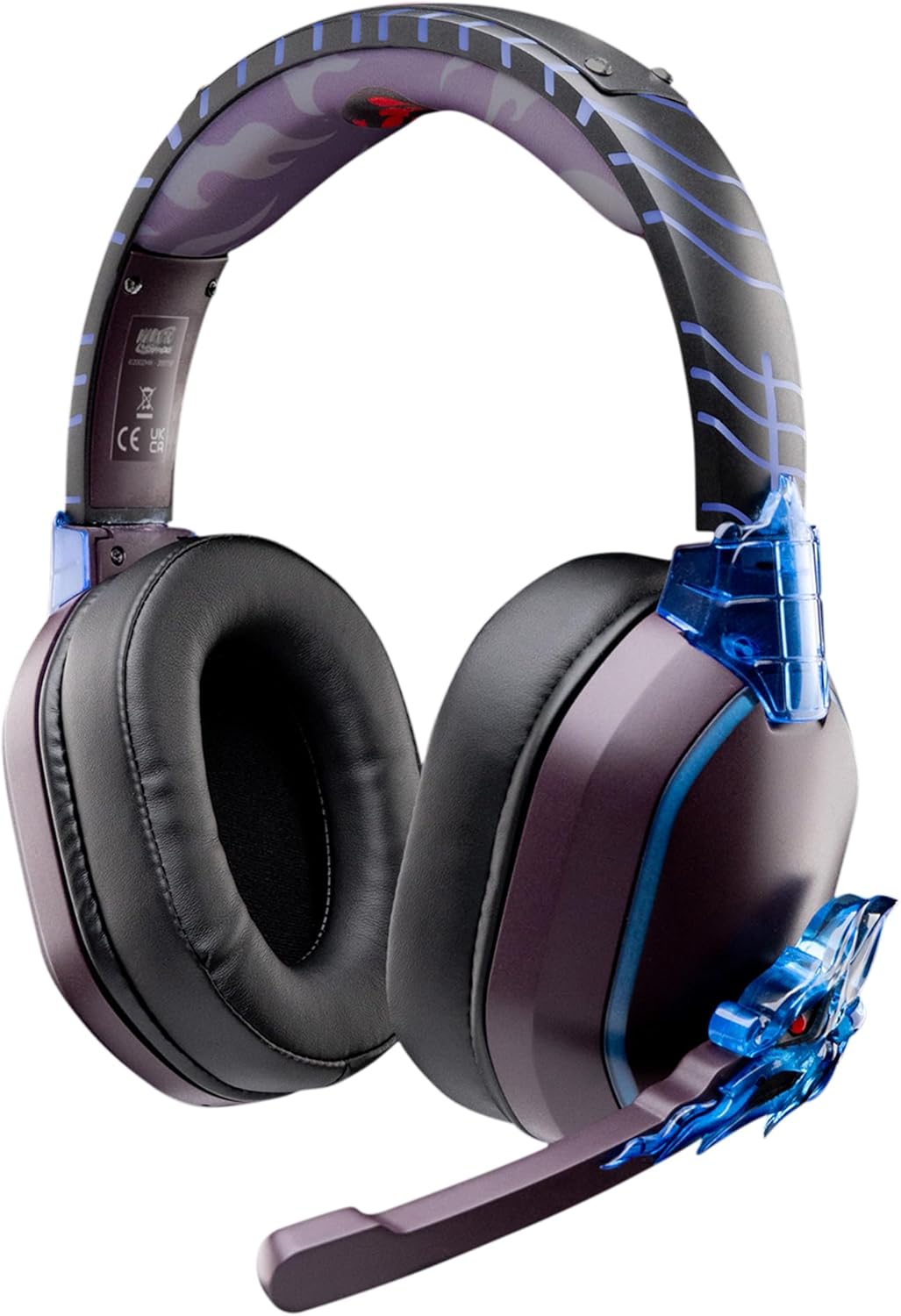
Image: The LEXIP Madara Design Headset, featuring a distinctive purple and blue color scheme with intricate design elements inspired by Madara.
Obsah balenia
Uistite sa, že v balení sú všetky položky:
- LEXIP Madara Design Headset
- Odnímateľný mikrofón
- 3.5 mm audio kábel
- USB nabíjací kábel
- Používateľská príručka
Koniec produktuview
Familiarize yourself with the components and design features of your headset.

Image: Close-up of the headset's ear cup, highlighting the intricate blue dragon design element.

Obrázok: View of the soft earcups and adjustable headband, designed for comfort during extended use.
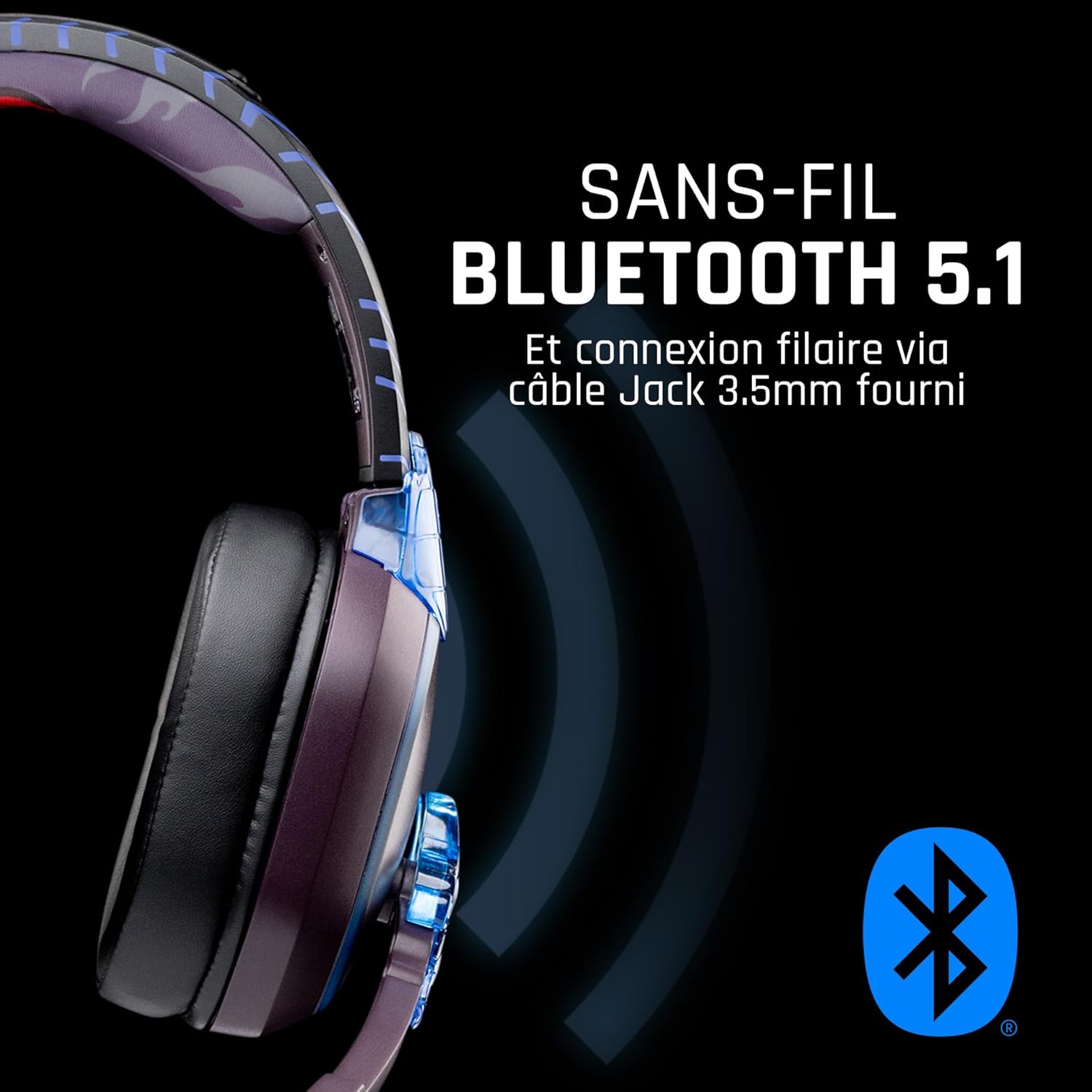
Obrázok: Bočný view of the headset, illustrating its wireless Bluetooth 5.1 capability and connection points.

Image: The headset displayed on a stand, alongside a matching game controller, showcasing its gaming application.
Kľúčové vlastnosti:
- Bezdrôtové pripojenie Bluetooth 5.1: For seamless wireless audio.
- Káblové pripojenie: Via the included 3.5mm Jack cable.
- Odnímateľný mikrofón: For clear communication and versatility.
- Ovládanie hlasitosti: Integrated controls for easy audio adjustment.
- Izolácia hluku: Passive noise reduction for an immersive experience.
- Pohodlný dizajn: Adjustable headband and over-ear form factor.
Nastavenie
1. Nabíjanie náhlavnej súpravy
- Pripojte nabíjací kábel USB k nabíjaciemu portu na slúchadlách.
- Pripojte druhý koniec USB kábla ku kompatibilnému USB zdroju napájania (napr. USB port počítača, USB adaptér do steny).
- The LED indicator on the headset will show the charging status. A full charge typically takes approximately 2-3 hours.
2. Pripojenie mikrofónu
- Locate the microphone input port on the headset, usually on the left earcup.
- Align the detachable microphone connector with the port and gently push it in until it clicks into place.
- Upravte polohu mikrofónu pre optimálny záznam hlasu.
Návod na obsluhu
1. Zapnutie/vypnutie
- Zapnutie: Stlačte a podržte tlačidlo napájania približne 3 sekundy, kým sa nerozsvieti LED indikátor.
- Vypnutie: Stlačte a podržte tlačidlo napájania približne 5 sekundy, kým nezhasne LED indikátor.
2. Párovanie cez Bluetooth (bezdrôtový režim)
- Skontrolujte, či je náhlavná súprava vypnutá.
- Stlačte a podržte tlačidlo napájania približne 5-7 sekúnd, kým LED indikátor nezačne rýchlo blikať, čo signalizuje režim párovania.
- On your device (Windows 10/11, Mac, PS5, PS4, Xbox Series X/S, Xbox One, Nintendo Switch, Android, iOS, tablets), navigate to Bluetooth settings.
- Hľadať available devices and select "LEXIP Madara Headset" (or similar name).
- Po spárovaní LED indikátor prestane blikať a zostane svietiť modro.
3. Káblové pripojenie (3.5 mm konektor)
- Insert one end of the 3.5mm audio cable into the headset's audio jack.
- Insert the other end into the 3.5mm audio port of your desired device.
- The headset will operate in passive wired mode, even if the power is off.
4. Ovládanie hlasitosti
- Use the volume control dial or buttons located on the headset to adjust the audio level.
Údržba
- Čistenie: Na čistenie slúchadiel používajte mäkkú, suchú handričku. Nepoužívajte abrazívne čistiace prostriedky ani rozpúšťadlá.
- Ukladací priestor: Slúchadlá skladujte na chladnom a suchom mieste mimo dosahu priameho slnečného žiarenia a extrémnych teplôt.
- Starostlivosť o batérie: Pre optimálnu výdrž batérie sa vyhýbajte častému úplnému vybíjaniu slúchadiel. Pravidelne ich nabíjajte.
- Odolnosť voči vode: The headset is not waterproof. Avoid exposure to liquids.
Riešenie problémov
| Problém | Možná príčina | Riešenie |
|---|---|---|
| Z náhlavnej súpravy nie je žiadny zvuk | Headset not powered on; Volume too low; Not paired/connected; Incorrect audio output selected on device. | Ensure headset is powered on and charged. Increase volume. Re-pair Bluetooth or check 3.5mm cable connection. Select headset as audio output on your device. |
| Nie je možné spárovať cez Bluetooth | Headset not in pairing mode; Device Bluetooth off; Too far from device; Interference. | Ensure headset is in pairing mode (flashing LED). Turn device Bluetooth off and on again. Move headset closer to device. Avoid strong Wi-Fi signals or other Bluetooth devices. |
| Mikrofón nefunguje | Microphone not properly attached; Muted on headset/device; Incorrect input selected on device. | Ensure microphone is securely attached. Check if microphone is muted. Select headset microphone as input device in your device's sound settings. |
| Krátka výdrž batérie | Headset not fully charged; Old battery. | Ensure headset is fully charged before use. Battery performance may degrade over time. |
Špecifikácie
| Číslo modelu | TSXLXHS0003 |
| Značka | Lexip |
| Technológia pripojenia | Bezdrôtové (Bluetooth 5.1), káblové (3.5 mm konektor) |
| Frekvenčný rozsah | 20 Hz – 20 000 Hz |
| Impedancia | 3 ohmy |
| Citlivosť | 116 dB |
| Izolácia hluku | Pasívna redukcia hluku |
| Mikrofón | Odnímateľné |
| Ovládacie prvky | Ovládanie hlasitosti, Diaľkové ovládanie |
| Kompatibilné zariadenia | Windows 10/11, Mac, PS5, PS4, Xbox Series X/S, Xbox One, Nintendo Switch, Android, iOS, tablets |
| Form Factor | Over-ear, Extra-aural |
| Materiál | Zmiešané materiály |
| Vekové rozpätie | Dospelý |
| Úroveň odolnosti voči vode | Nie je odolný voči vode |
| Batéria | 1 non-standard battery (included) |
Záruka a podpora
The LEXIP Madara Design Headset comes with a 2-ročná záruka výrobcu od dátumu nákupu. Táto záruka sa vzťahuje na chyby materiálu a spracovania pri bežnom používaní.
For warranty claims, technical support, or further assistance, please contact LEXIP customer service through their official website or the retailer where the product was purchased. Please have your proof of purchase and model number (TSXLXHS0003) ready when contacting support.
Poznámka: Informácie o dostupnosti náhradných dielov a aktualizáciách softvéru momentálne nie sú k dispozícii.