
Úvod
Thank you for choosing the JSAUX 10000mAh Battery Pack. This device is designed to extend the playtime of your VR headset, such as the Oculus Quest 3, and provide portable power for other USB-C compatible devices. This manual will guide you through the setup, operation, maintenance, and troubleshooting of your new battery pack.
Bezpečnostné informácie
- Do not expose the battery pack to extreme temperatures, direct sunlight, or fire.
- Zariadenie nerozoberajte, neupravujte ani sa ho nepokúšajte opraviť.
- Udržujte zariadenie mimo dosahu vody a iných tekutín.
- Na nabíjanie používajte iba dodaný kábel USB-C alebo jeho certifikovaný ekvivalent.
- Uchovávajte mimo dosahu detí.
- Dispose of the battery pack according to local regulations.

Obrázok: Interný view of the JSAUX battery pack, illustrating its multiple protection features including over-charge, over-voltage, over-power, and over-temperature protection.
Obsah balenia
Overte si, či sú v balení všetky položky:
- JSAUX 10000mAh Battery Pack (x1)
- Nabíjací kábel USB-C (1x)
Vlastnosti produktu
- Extended VR Playtime: Provides an additional 6-8 hours of VR gaming, depending on usage.
- Ergonomic Neck-Worn Design: Unique design for comfortable wear, reducing head-mounted weight and cable interference.
- Rýchle nabíjanie: Supports up to 20W Power Delivery (PD) fast charging for efficient power delivery to your devices.
- Univerzálna kompatibilita s USB-C: Works seamlessly with Meta Quest 3, Meta Quest 2, Pico 4, Pico 4 Pro, HTC Vive, PSVR 2, and other USB-C enabled phones, tablets, and laptops.
- Flexibilné a odolné: Constructed with skin-friendly, bendable, and twistable materials for enhanced comfort and longevity.
- Inteligentná ochrana: Built-in chip automatically detects optimal charging performance and protects against over-charge, over-voltage, over-power, and over-temperature.

Image: A user enjoying VR with the JSAUX 10000mAh battery pack, highlighting its capacity to extend playtime.

Image: The JSAUX battery pack shown alongside multiple USB-C devices, including VR headsets, phones, and handheld consoles, emphasizing its broad compatibility.
Nastavenie
- Nabíjanie batériového bloku: Before first use, fully charge the JSAUX battery pack using the provided USB-C cable and a compatible power adapter (not included). Connect the cable to the Type-C1 (Input/Output) port on the battery pack. The indicator lights will show charging progress.
- Wear the Battery Pack: Gently bend the battery pack to fit comfortably around your neck. The flexible design allows for a custom fit.
- Connect to VR Headset: Use the provided USB-C cable to connect the Type-C2 (Output) port of the battery pack to your VR headset's charging port.
- Bezpečné káble: Ensure cables are routed safely to avoid entanglement during VR use.

Image: A user wearing the JSAUX battery pack, illustrating its adjustable and comfortable fit around the neck while using a VR headset.

Image: A visual comparison highlighting how the JSAUX neck-worn design reduces strain on the cervical spine compared to traditional head-mounted battery solutions.
Návod na obsluhu
Nabíjanie batérie
- Connect the provided USB-C cable to the Type-C1 (Input/Output) port on the battery pack.
- Plug the other end of the cable into a USB power adapter (e.g., wall charger, computer USB port). For optimal charging speed, use a PD compatible charger.
- Kontrolky sa rozsvietia, aby signalizovali stav nabíjania.

Image: The JSAUX battery pack connected to a power source via its Type-C1 port, demonstrating the PD fast charging capability.
Použitie ako Power Bank
- Connect your device (VR headset, phone, etc.) to the Type-C2 (Output) port of the battery pack using a USB-C cable.
- The battery pack will automatically begin charging your device.
- Kontrolky zobrazia zostávajúcu úroveň nabitia batérie powerbanky.
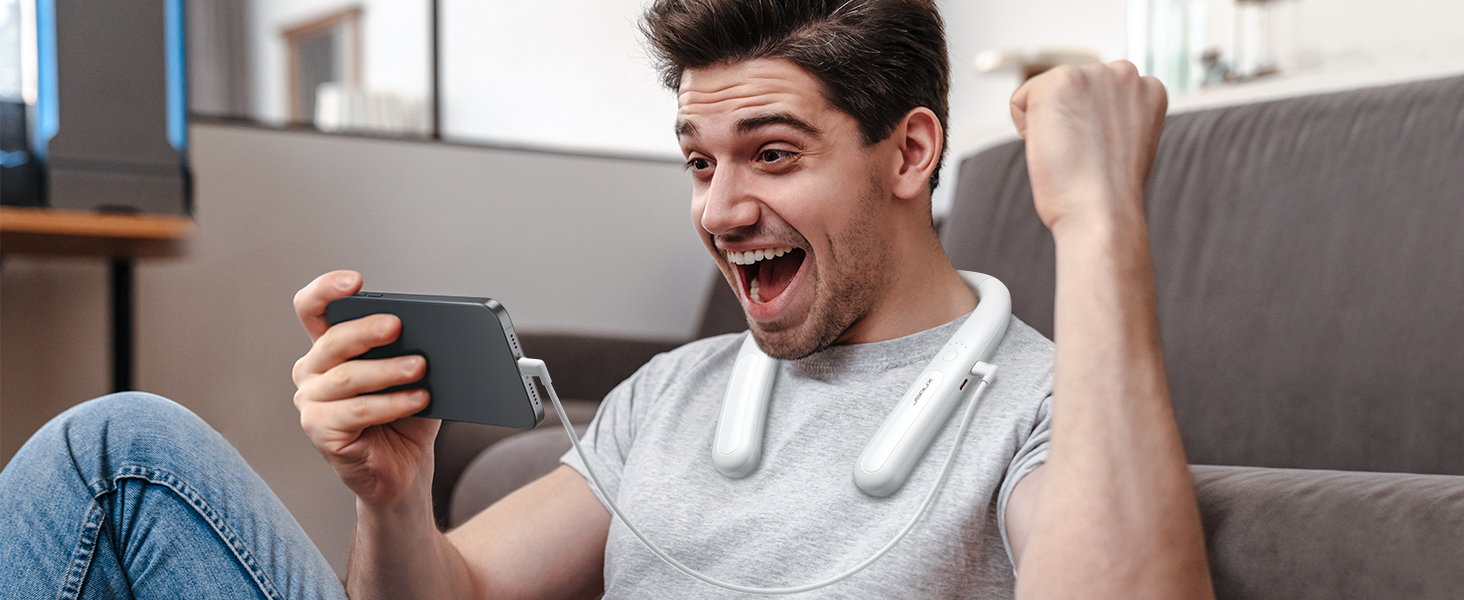
Image: The JSAUX battery pack connected to and charging a smartphone, demonstrating its versatility as a portable power bank.
Kontrolky
The battery pack features indicator lights to display its charge status:
- Four Lights Solid: Nabité na 100 %.
- Three Lights Solid: Nabité na > 75 %.
- Two Lights Solid: Nabité na > 50 %.
- One Light Solid: Nabité na > 25 %.
- All Four Lights Flashing Simultaneously: Input/Output Anomaly (Error)
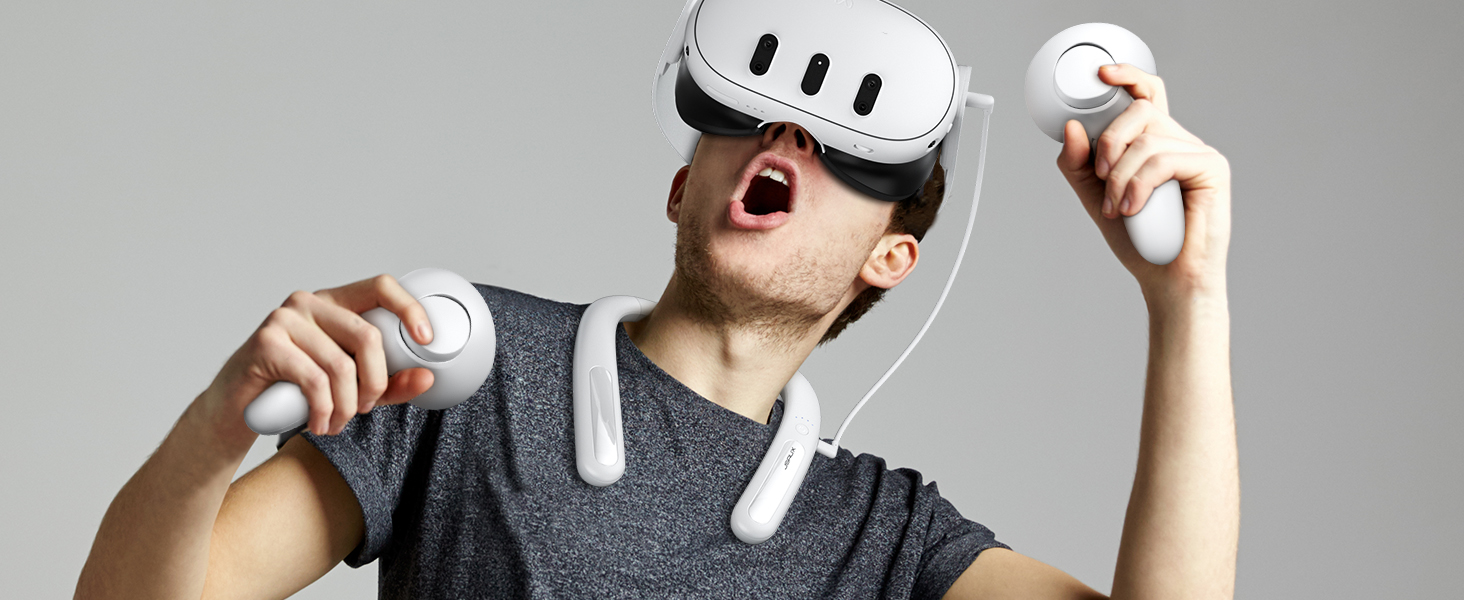
Obrázok: Podrobný view of the JSAUX battery pack's indicator lights, explaining what each light pattern signifies regarding battery level and potential anomalies.
Údržba
- Čistenie: Zariadenie utrite mäkkou, suchou handričkou. Nepoužívajte agresívne chemikálie ani abrazívne materiály.
- Ukladací priestor: Store the battery pack in a cool, dry place away from direct sunlight and extreme temperatures. For long-term storage, charge the battery to about 50-75% every three months to maintain battery health.
- Starostlivosť o káble: Aby ste predišli poškodeniu, vyhnite sa nadmernému ohýbaniu alebo krúteniu kábla USB-C.
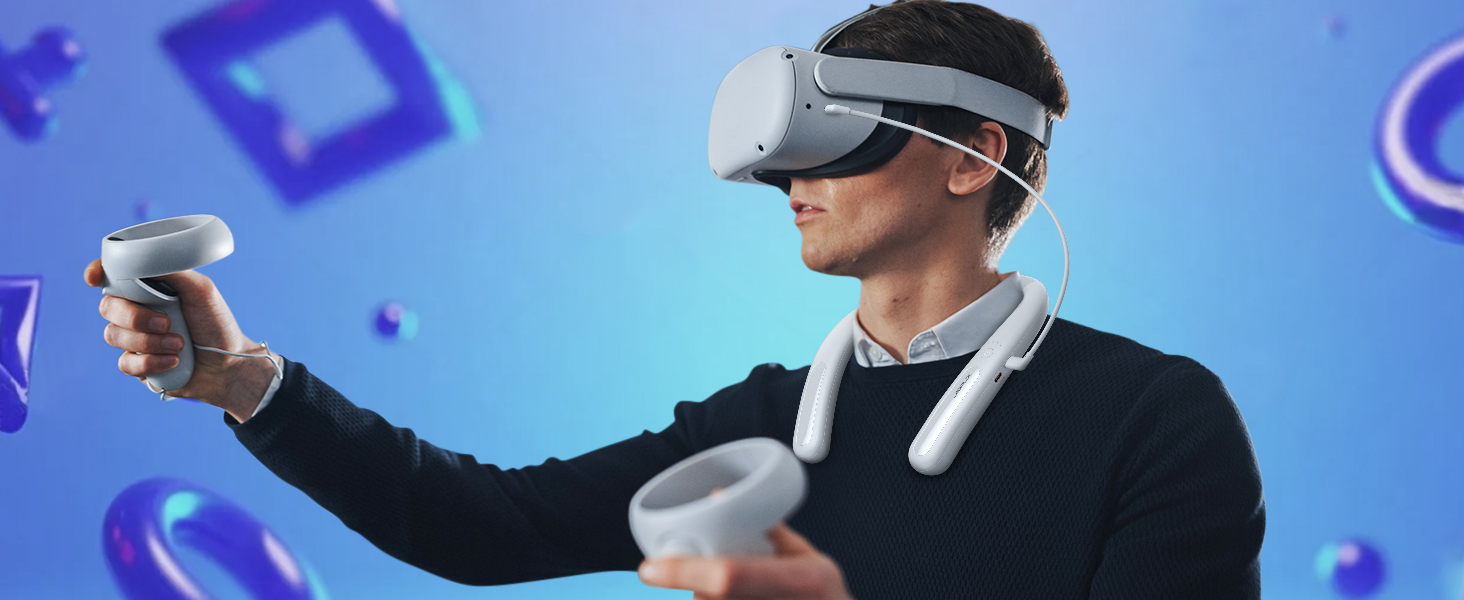
Image: The JSAUX battery pack shown in a flexible, twisted state, highlighting its durable and adaptable material for comfortable use and storage.
Riešenie problémov
- Device not charging from battery pack:
- Uistite sa, že je batériový blok dostatočne nabitý.
- Verify the USB-C cable is securely connected to both the battery pack's Type-C2 (Output) port and your device.
- Vyskúšajte iný kábel USB-C, aby ste vylúčili jeho poruchu.
- Check if your device is compatible with USB-C charging.
- Battery pack not charging:
- Ensure the USB-C cable is connected to the Type-C1 (Input/Output) port.
- Verify the power adapter is working and properly connected to a power source.
- Vyskúšajte iný kábel USB-C a napájací adaptér.
- If all four indicator lights are flashing, there might be an input anomaly. Disconnect and reconnect the charger.
- Reduced playtime extension:
- The actual playtime extension depends on the power consumption of the VR game or application. More demanding games consume more power.
- Pred použitím sa uistite, že je batéria úplne nabitá.
- Over time, all rechargeable batteries experience some capacity degradation.
Špecifikácie
| Číslo modelu | PB2004A |
|---|---|
| Kapacita batérie | 10000 mAh |
| Zloženie batérie | Lítium |
| Výstupný Wattage | 20 wattov (max.) |
| Typ konektora | USB typu C |
| Hmotnosť | 137 gramov |
| Výrobca | JSAUX |
| Krajina pôvodu | Čína |
Záruka a podpora
JSAUX provides an 18-month worry-free period for this product. If you encounter any issues or have questions, please contact our 24/7 zákaznícky servis. We are committed to resolving your concerns within 24 hours.
For support, please visit the official JSAUX webstránku alebo nás kontaktujte prostredníctvom vašej nákupnej platformy.
Video o produkte
Video: Overview of the JSAUX 10000mAh Battery Pack, demonstrating its features, ergonomic design, and compatibility with VR headsets and other USB-C devices.