
1. Úvod
Thank you for choosing the DUCO AG01 AI Smart Sunglasses. These innovative glasses integrate advanced technology to enhance your daily experiences, offering features such as a 4K HD camera, AI assistant, real-time translation, and Bluetooth connectivity. This manual provides essential information for the proper setup, operation, and maintenance of your new smart sunglasses.
2. Obsah balenia
Uistite sa, že v balíku sú všetky položky:
- DUCO AG01 AI Smart Sunglasses
- Puzdro na okuliare
- Čistiaca handrička z mikrovlákna
- Magnetický nabíjací kábel
- Používateľská príručka

Figure 2.1: DUCO AG01 Package Contents
3. Vlastnosti produktu
- 8MP 4K HD Camera: Capture high-resolution photos and videos with AI-powered stabilization and an ultra-wide perspective.
- AI Assistant & Translation: Access an AI assistant and real-time translation for 163 languages, breaking language barriers.
- Open-Ear Audio & Stereo Sound: Enjoy immersive audio without blocking ambient sounds, featuring dual microphones with noise reduction for clear calls.
- Pripojenie Bluetooth 5.3: Seamlessly connect to your smartphone for calls, music, and data transfer.
- Inteligentné dotykové ovládanie: Manage calls, music playback, and camera functions with intuitive touch and button controls.
- Dlhá výdrž batérie: Powered by a 410mAh high-capacity battery, offering up to 8 hours of active use (translation/calls/music) and 15 days of standby time.
- Ochrana proti UV 400: Lenses provide essential UV protection for your eyes.
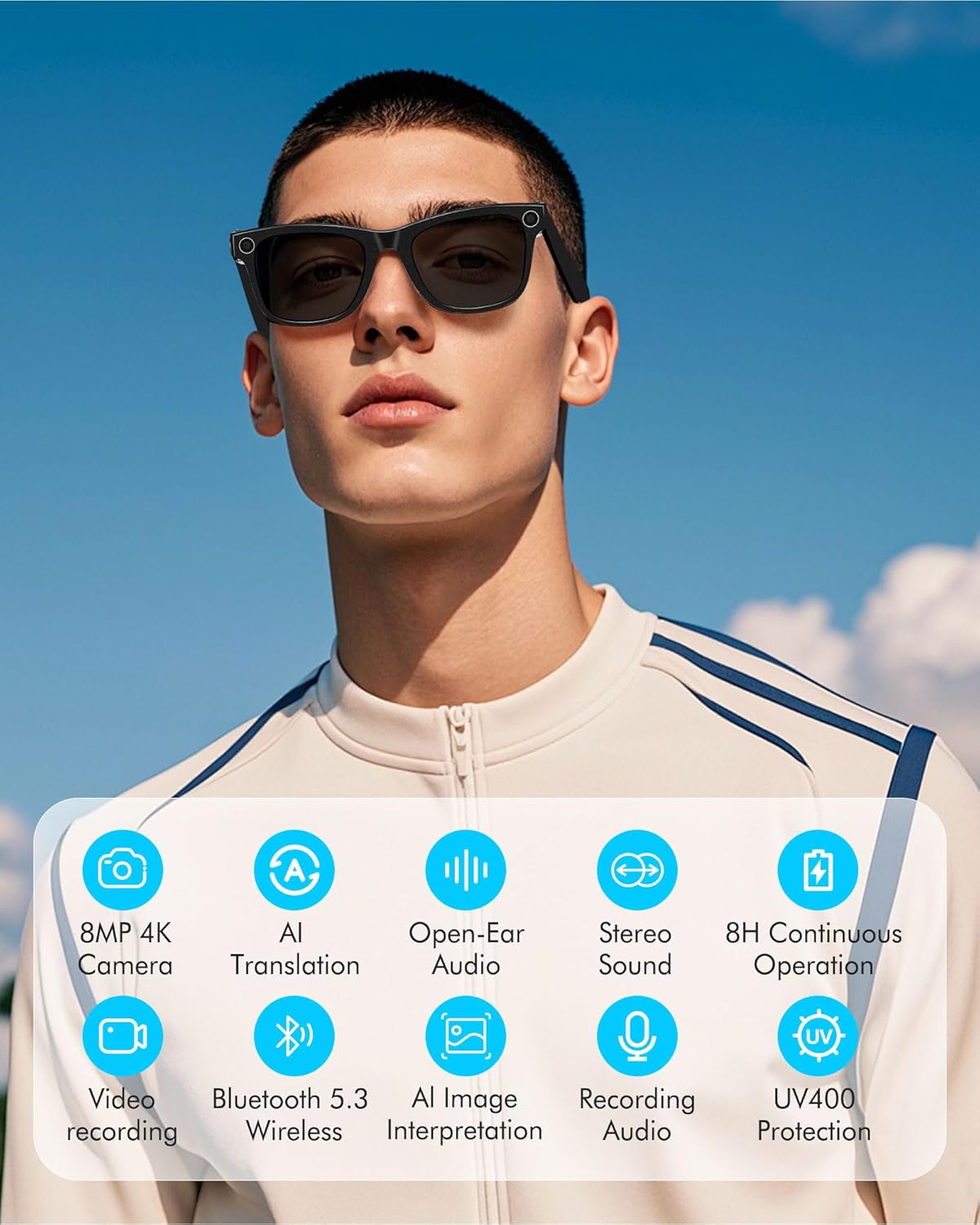
Figure 3.1: Key Features of DUCO AG01 Smart Sunglasses

Figure 3.2: 4K HD 8MP Camera System

Figure 3.3: Open Hi-Fi Sound & ENC Clear Calls

Figure 3.4: 8-Hour Continuous Use Battery
4. Nastavenie
4.1 Zapnutie/vypnutie
To power on the DUCO AG01 Smart Sunglasses, locate the power switch on the right temple and slide it forward. To power off, slide the switch backward.
4.2 Stiahnutie a inštalácia aplikácie
Download the companion app by scanning the QR code provided in the included user manual or searching for "HeyCyan" in your device's app store. Install the app on your smartphone.

Figure 4.1: App Download and Interface
4.3 Párovanie Bluetooth
- Ensure your DUCO AG01 Smart Sunglasses are powered on.
- Open the "HeyCyan" app on your smartphone.
- Povoľte na svojom smartfóne Bluetooth.
- In the app, search for available devices. The glasses should appear as "AG01_A16E".
- Select the device to pair. A successful connection will be indicated in the app.
Video 4.1: Demonstrates powering on the glasses, connecting to the HeyCyan app, and Bluetooth pairing. It also shows how to take photos, start/end video recording, answer/reject calls, control music volume, switch songs, and charge the device.
5. Návod na obsluhu
5.1 Camera and Video Functions
The DUCO AG01 Smart Sunglasses feature a camera on the right temple for hands-free capture.
- Odfoť: Single-click the top-right button on the temple.
- Spustiť nahrávanie videa: Long-press the top-right button on the temple.
- End Video Recording: Press the top-right button once while recording.

Figure 5.1: Real-Time Translation Feature
5.2 Nahrávanie zvuku
To start audio recording, double-click the top-right button on the temple. To end recording, click the button once.
5.3 Správa hovorov
Manage your calls directly from your smart sunglasses:
- Prijať/Ukončiť hovor: Click the top-right button once.
- Odmietnuť hovor: Long-press the top-right button for 2 seconds.
5.4 Ovládanie prehrávania hudby
Control your music using the touch panel on the right temple:
- Prehrať/pozastaviť hudbu: Double-tap the right touch panel.
- Ďalšia skladba: Triple-tap the right touch panel.
- Zvýšiť hlasitosť: Swipe forward on the right touch panel.
- Znížiť hlasitosť: Swipe backward on the right touch panel.

Figure 5.2: Intelligent Touch Control Overview
5.5 Hlasový asistent s umelou inteligenciou
Activate your AI voice assistant by saying "HeyCyan" or by long-pressing the designated button (refer to Figure 5.2 for button location). This allows for hands-free commands and information retrieval.
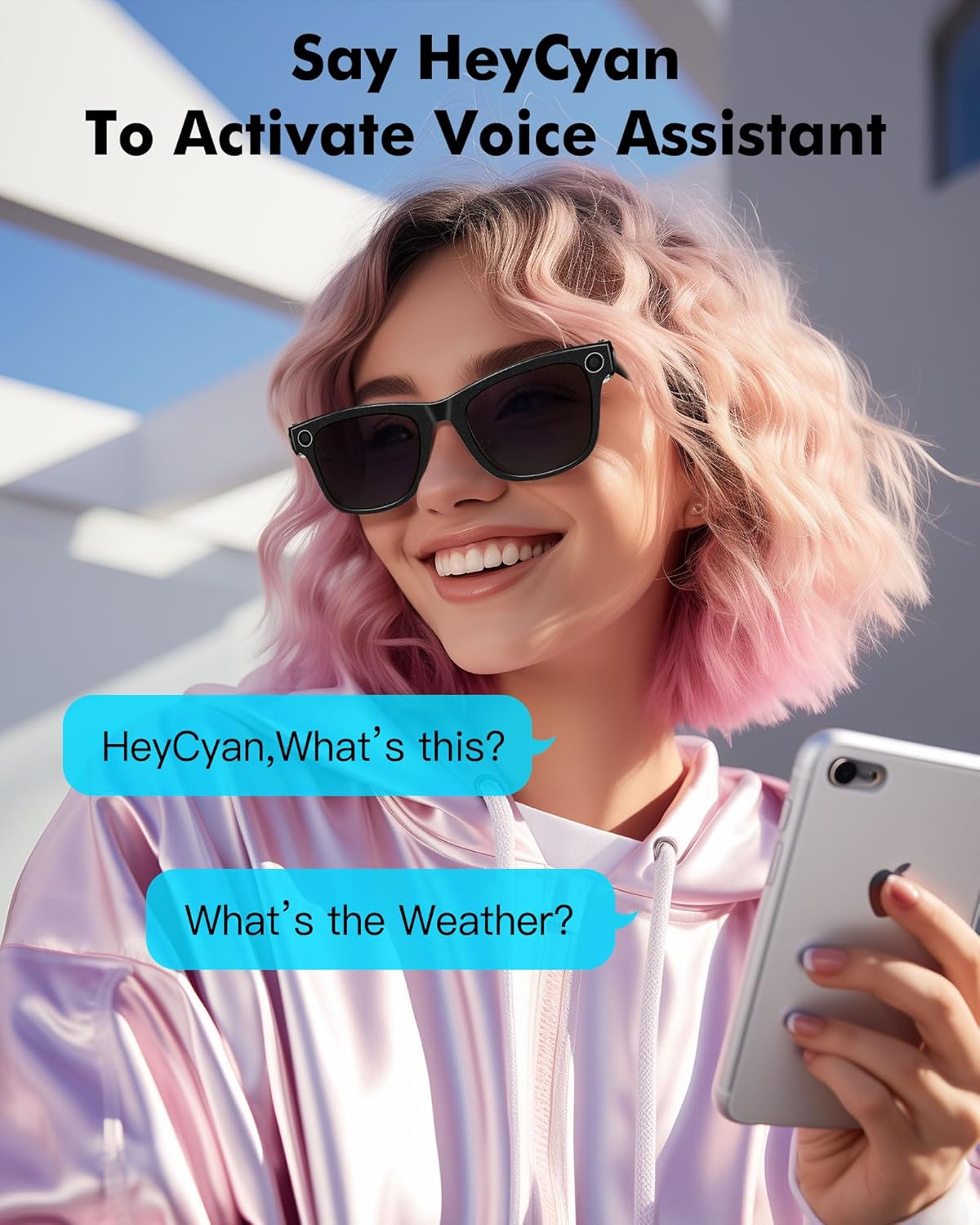
Obrázok 5.3: Aktivácia hlasového asistenta
6. Nabíjanie
To charge your DUCO AG01 Smart Sunglasses, connect the magnetic charging cable to the charging port located on the left temple. Connect the other end of the USB cable to a compatible power source (e.g., computer USB port, wall adapter).
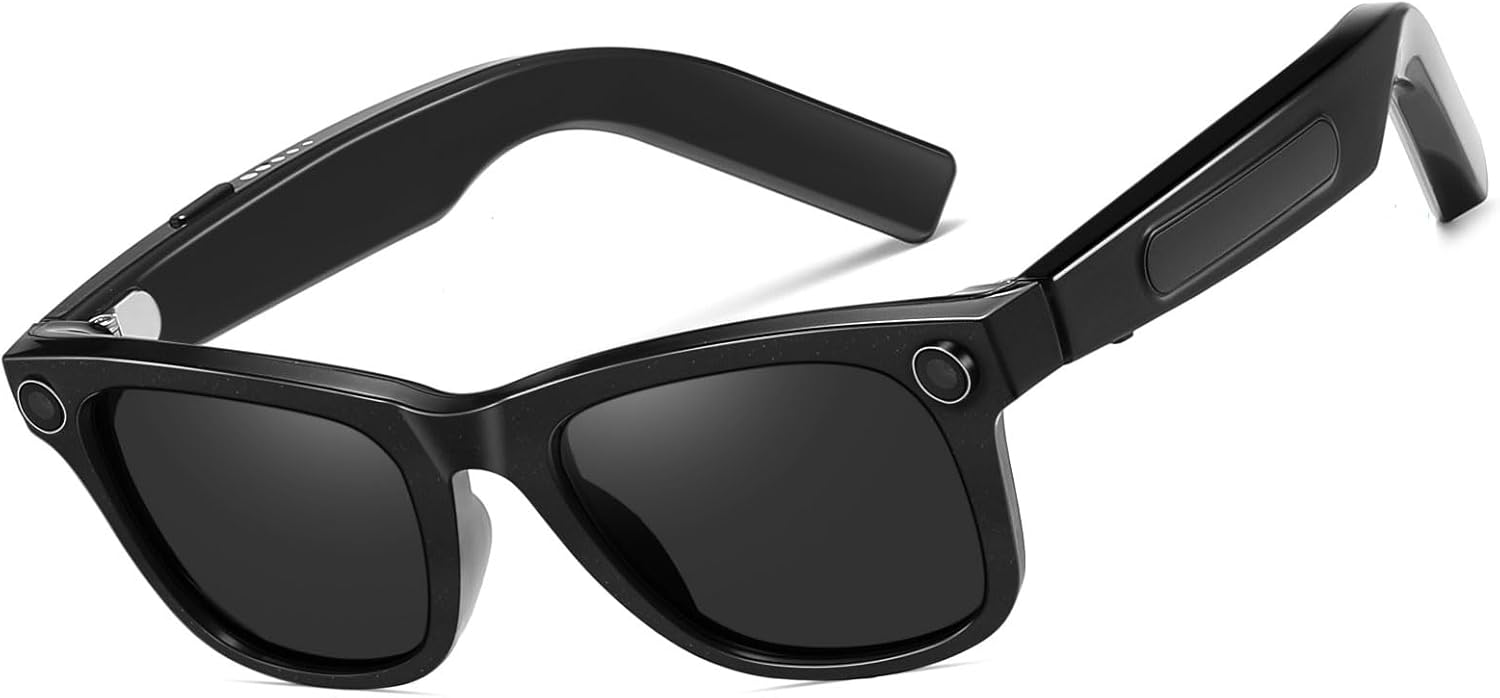
Obrázok 6.1: Umiestnenie nabíjacieho portu
7. Údržba
- Čistenie: Use the provided microfiber cleaning cloth to gently wipe the lenses and frame. Avoid using harsh chemicals or abrasive materials.
- Ukladací priestor: Keď slnečné okuliare nepoužívate, uložte ich do ochranného puzdra, aby ste predišli poškriabaniu a poškodeniu.
- Odolnosť voči vode: The glasses are designed for everyday use but are not fully waterproof. Avoid prolonged exposure to water or submersion.
- teplota: Do not expose the sunglasses to extreme temperatures, as this may affect battery life and electronic components.
8. Riešenie problémov
If you encounter issues with your DUCO AG01 Smart Sunglasses, please refer to the following common solutions:
- Nedá sa zapnúť: Ensure the glasses are fully charged. Connect them to the charging cable and allow sufficient time to charge.
- Problémy s pripojením Bluetooth: Make sure Bluetooth is enabled on your smartphone and the glasses are within range. Try restarting both the glasses and your phone. If issues persist, unpair and re-pair the device.
- Aplikácia neodpovedá: Close and restart the "HeyCyan" app. Ensure the app is updated to the latest version.
- Nízka kvalita zvuku: Check the volume settings on both the glasses and your connected device. Ensure the speakers are not obstructed.
- Camera/Video Not Working: Verify that the glasses are powered on and connected to the app. Check if there is sufficient storage space for new recordings.
For further assistance, please contact DUCO customer support.
9. Špecifikácie
| Funkcia | Špecifikácia |
|---|---|
| Číslo modelu | AG01 |
| Fotoaparát | 8MP 4K HD |
| Funkcie AI | AI Assistant, Real-time Translation (163 languages), AI Image Interpretation |
| Konektivita | Bluetooth 5.3 |
| Zvuk | Open-Ear Audio, Stereo Sound, Dual Microphones with ENC Noise Reduction |
| Kapacita batérie | 410 mAh |
| Active Runtime | Up to 8 hours (translation/calls/music) |
| Pohotovostný čas | Až 15 dní |
| Typ objektívu | UV Protected, UV400 Protection |
| Typ polarizácie | Nepolarizované |
| Materiál rámu | Polykarbonát |
| Materiál šošovky | Polykarbonát |
| Dĺžka ramena | 150.5 mm |
| Šírka mosta | 12.5 mm |

Obrázok 9.1: Rozmery produktu
10. Záruka a podpora
The DUCO AG01 AI Smart Sunglasses come with a 3-ročná záruka výrobcu. For warranty claims, technical support, or any product-related inquiries, please contact DUCO customer service through the official webstránka alebo vaša nákupná platforma.