
Úvod
This manual provides essential information for setting up, operating, maintaining, and troubleshooting your HP 17.3" Touchscreen Laptop, model 17-cp3602nr. Please read this guide thoroughly to ensure proper use and to maximize the lifespan of your device.
Obsah balenia
Overte, či sú v balení všetky položky:
- HP 17.3" Touchscreen Laptop (Model 17-cp3602nr)
- Napájací adaptér a kábel
- Stručná úvodná príručka (ak je súčasťou balenia)

Image: The HP 17.3" Touchscreen Laptop and its included power adapter.
Nastavenie
1. Počiatočné zapnutie a nabíjanie
- Pripojte sieťový adaptér k portu AC Smart Pin na notebooku a potom do elektrickej zásuvky.
- Otvorte veko notebooku. Notebook sa môže zapnúť automaticky alebo bude potrebné stlačiť tlačidlo napájania umiestnené na klávesnici.
- Allow the battery to charge fully before initial use, though you can begin setup while charging.
2. Inštalácia systému Windows 11
Follow the on-screen instructions to complete the Windows 11 Home setup. This typically includes:
- Výber regiónu a rozloženia klávesnice.
- Pripája sa k sieti Wi-Fi.
- Prihlásenie sa pomocou alebo vytvorenie účtu Microsoft.
- Nastavenie PIN kódu alebo hesla.
- Configuring privacy settings.
3. Nastavenie čítačky odtlačkov prstov
During or after Windows setup, you can configure the fingerprint reader for secure login. Navigate to Nastavenia > Účty > Možnosti prihlásenia and follow the prompts to add your fingerprint.

Image: Close-up of the backlit keyboard and the integrated fingerprint reader on the HP laptop.
Návod na obsluhu
Používanie dotykového displeja
The 17.3" HD+ (1600 x 900) display supports touch input. You can interact with Windows 11 and applications directly on the screen using gestures similar to a tablet or smartphone. Ensure your screen is clean for optimal touch responsiveness.
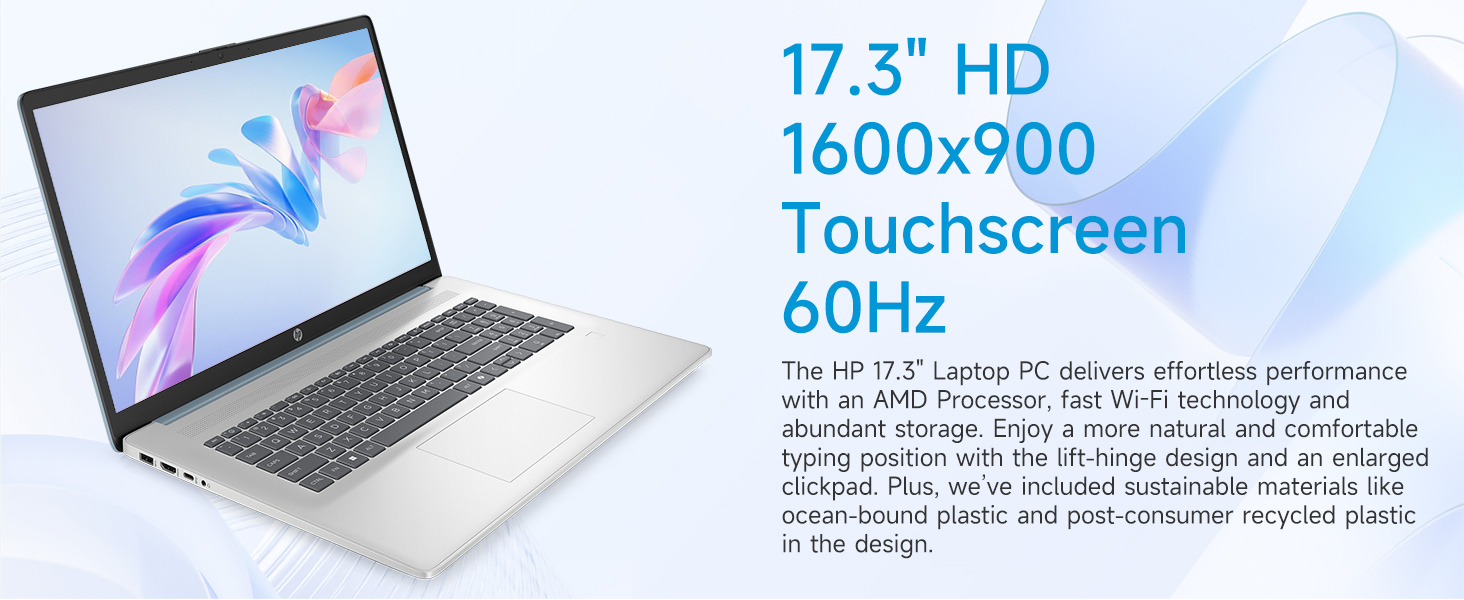
Image: The 17.3-inch touchscreen display of the HP laptop, illustrating its touch capabilities.
Klávesnica a touchpad
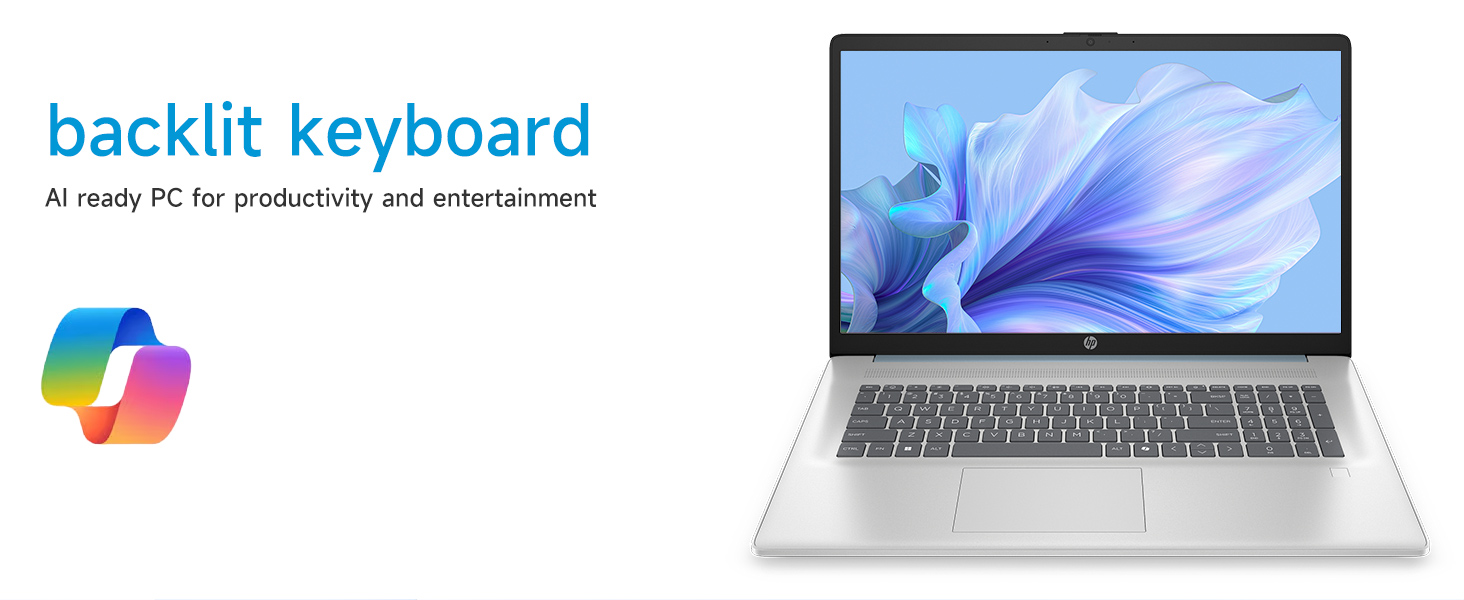
- Podsvietená klávesnica: Stlačte tlačidlo Fn + F5 (or similar function key with a keyboard backlight icon) to toggle the keyboard backlight on/off or adjust its brightness.
- Numerická klávesnica: Utilize the dedicated numeric keypad for efficient data entry.
- Touchpad: The large click pad supports multi-touch gestures for navigation. Refer to Windows settings for customizing touchpad gestures.
Connecting External Devices (Ports)
Váš notebook je vybavený rôznymi portami na pripojenie periférnych zariadení:
- USB typu C (rýchlosť prenosu signálu 5 Gb/s): Na pripojenie moderných zariadení s rozhraním USB-C.
- USB typu A (rýchlosť signálu 5 Gb/s): Two ports for standard USB devices like mice, keyboards, or external drives.
- HDMI 1.4b: Pripojte sa k externým monitorom alebo televízorom pre rozšírené zobrazenie.
- Kombinovaný konektor pre slúchadlá/mikrofón: For audio input/output with a single jack.
- Inteligentný PIN kód pre AC: Na pripojenie napájacieho adaptéra.
Obrázok: Podrobný view of the laptop's side ports, including USB-A, USB-C, HDMI, and audio jack.
Pripojenie Wi-Fi 6
The laptop supports Wi-Fi 6 (802.11ax) for fast and reliable wireless internet connectivity. To connect, click the Wi-Fi icon in the taskbar, select your network, and enter the password.
Údržba
Čistenie notebooku
- Obrazovka: Použite mäkkú handričku, ktorá nepúšťa vlákna dampvodou alebo čistiacim prostriedkom na obrazovky. Vyhnite sa agresívnym chemikáliám.
- Klávesnica a šasi: Použite mäkkú, suchú handričku. Na odolnú špinu použite mierneamp Môžete použiť handričku, pričom dbajte na to, aby sa do otvorov nedostala žiadna tekutina.
- Porty: Keep ports free of dust and debris using compressed air if necessary.
Aktualizácie softvéru
Pravidelne kontrolujte a inštalujte aktualizácie systému Windows, aby ste sa uistili, že váš systém má najnovšie bezpečnostné záplaty a vylepšenia výkonu. Prejdite na Nastavenia > Aktualizácia systému Windows spravovať aktualizácie.
Starostlivosť o batérie
Pre predĺženie životnosti batérie sa vyhýbajte extrémnym teplotám a častému úplnému vybíjaniu batérie. Pri dlhodobom skladovaní nabite batériu približne na 50 %.
Riešenie problémov
Táto časť sa zaoberá bežnými problémami, s ktorými sa môžete stretnúť.
Notebook sa nezapne
- Uistite sa, že sieťový adaptér je bezpečne pripojený k notebooku aj k funkčnej elektrickej zásuvke.
- Overte funkčnosť elektrickej zásuvky pripojením iného zariadenia.
- Ak je batéria úplne vybitá, môže trvať niekoľko minút nabíjania, kým sa notebook zapne.
Screen Remains Blank
- Skontrolujte, či je notebook zapnutý (svieti kontrolka napájania).
- Try adjusting the screen brightness using the function keys (e.g., Fn + F2/F3).
- If an external monitor is connected, ensure it is properly configured in Windows display settings.
Problémy s pripojením k Wi-Fi
- Uistite sa, že v nastaveniach systému Windows je povolená funkcia Wi-Fi.
- Reštartujte smerovač a modem.
- Zabudnite na sieť a znova sa pripojte, pričom znova zadajte heslo.
- Update Wi-Fi drivers via Device Manager.
System Restarts Unexpectedly
Unexpected restarts can be caused by software conflicts, outdated drivers, or hardware issues. Ensure all Windows updates are installed and drivers are current. If the issue persists, consider running Windows diagnostic tools or contacting HP Support.
Špecifikácie
| Funkcia | Detail |
|---|---|
| Značka | HP |
| Názov modelu | 17-cp3602nr |
| Veľkosť obrazovky | 17.3 palca |
| Rozlíšenie displeja | HD+ (1600 x 900) |
| Funkcie displeja | Touch, Anti-glare, 250 nits, 60% NTSC |
| Procesor | AMD Ryzen 5 7430U (6 jadier, 12 vlákien, až 4.3 GHz) |
| Grafika | Grafická karta AMD Radeon (integrovaná) |
| RAM | 8 GB pamäte DDR4 SDRAM (3200 MHz) |
| Skladovanie | 128 GB PCIe NVMe M.2 SSD |
| Operačný systém | Windows 11 Home |
| Porty | 1x USB Type-C 5Gbps, 2x USB Type-A 5Gbps, 1x HDMI 1.4b, 1x Headphone/Microphone Combo, 1x AC Smart Pin |
| Bezdrôtové pripojenie | Wi-Fi 6 (802.11ax) |
| Špeciálne funkcie | Backlit Keyboard, Fingerprint Reader, Numeric Keypad, Webvačka |
| Dimensions (L x W x Thickness) | 15.78 cm D x 10.15 cm Š x 0.81 cm V |
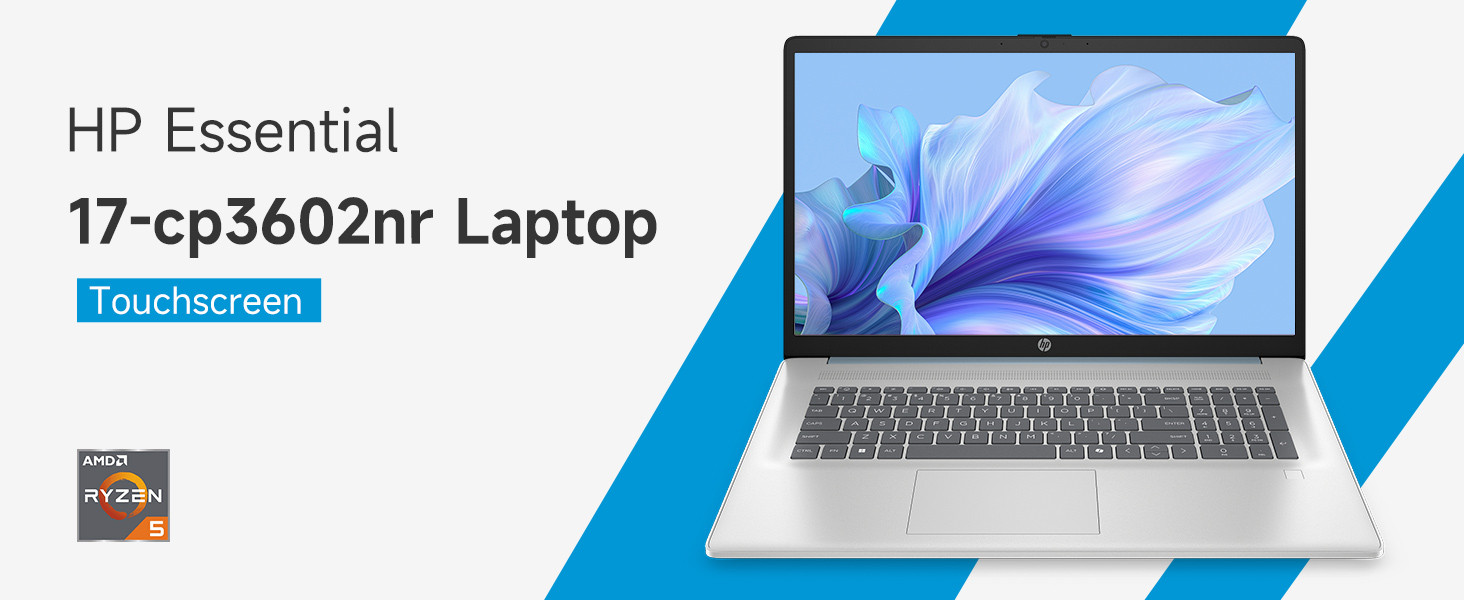
Image: An infographic highlighting key specifications such as the AMD Ryzen 5 processor, Windows 11 Home, storage, and connectivity options.
Záruka a podpora
Záruka výrobcu
Your HP laptop is covered by a standard manufacturer's warranty. For specific terms and conditions, please refer to the warranty documentation included with your product or visit the official HP support website. Warranty duration and coverage may vary by region.
Technická podpora
Pre technickú pomoc, stiahnutie ovládačov alebo ďalšie riešenie problémov navštívte oficiálnu stránku podpory HP webmiesto:
When contacting support, have your laptop's model number (17-cp3602nr) and serial number ready.