
Návod na použitie obrazovky integrovaného inteligentného prístroja STUDIO FY9-C
Návod na použitie obrazovky integrovaného inteligentného prístroja STUDIO FY9-C


Studio encompasses a diverse range of professional equipment, including advanced Dante audio interfaces, DMX LED lighting panels, and modular studio furnishings.
Studio is a versatile brand category representing a wide array of professional and consumer equipment. The product lineup features high-quality audio and media networking tools from manufacturers like Studio Technologies, which produces industry-leading Dante audio interfaces, intercom engines, and line outputs.
In addition to professional audio equipment, the Studio brand covers high-performance LED lighting panels equipped with advanced DMX controls, multi-platform wireless headsets, and modular wall unit systems tailored for functional workspace organization. Whether outfitting a broadcast facility, designing a creative workspace, or setting up a recording environment, you can find the essential installation and operating instructions here.
Najnovšie manuály od manuals+ vybrané pre túto značku.




Pozrite si videá o nastavení, inštalácii a riešení problémov pre túto značku.
Časté otázky týkajúce sa manuálov, registrácie a podpory pre túto značku.
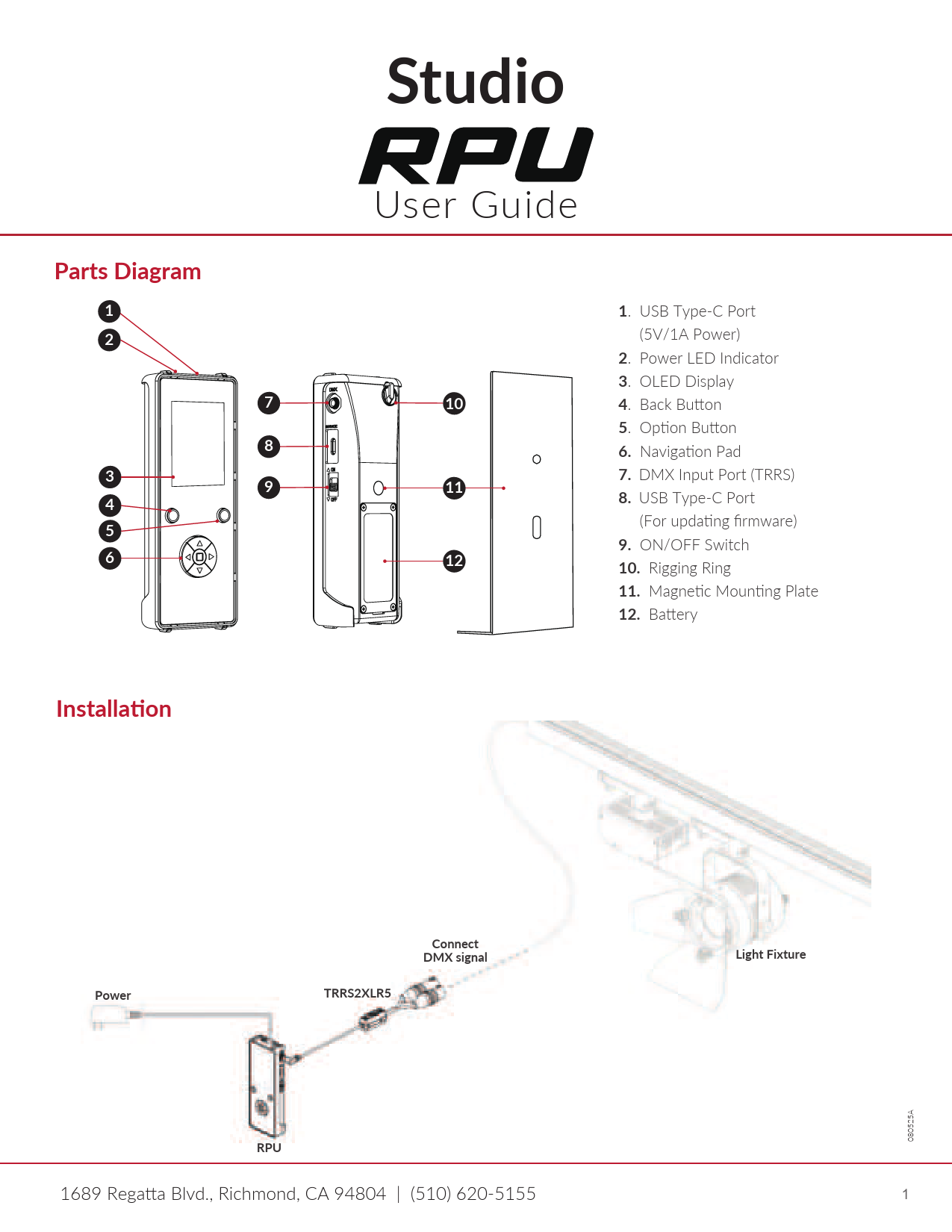
The DMX channel modes and addressing instructions are detailed in the specific LED panel's user manual under the DMX control menu map.
Dante-compliant Studio devices use the Dante Controller software application to route audio signals, configure sample rates, and assign Dante flows.
Many Studio modular wall units come pre-assembled and only require securing the keyhole mounts to wall screws according to the manual's installation guide.
Firmware updates for Studio Dante interfaces (like ones using the UltimoX integrated circuit) can be applied via your local network's Ethernet connection using the designated update utility.